AI headshots for every profile
Professional profile pictures
One photo for every place people see your name. Upload a few selfies and get 25 to 80 professional photos in about 20 minutes. Use them on LinkedIn, in Teams and Slack, on Zoom calls, Instagram and WhatsApp.
- From $29, one-time payment
- 14-day money-back guarantee
- Your selfies stay private
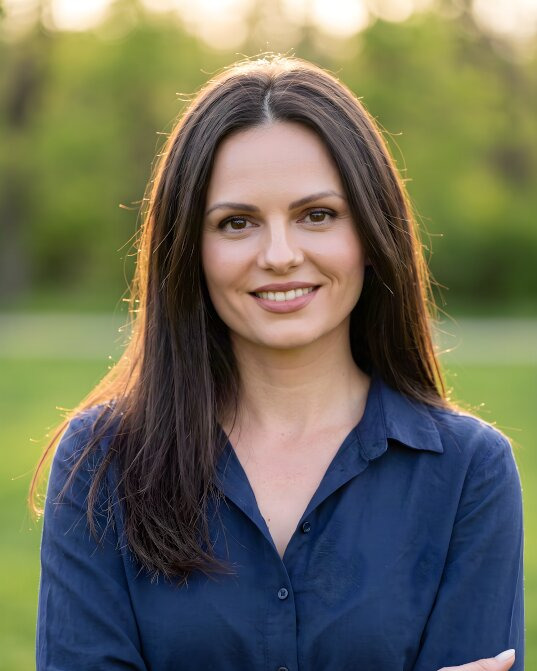
Your name
@yourname
Available

- paid once, no subscription
- From $29
- from selfies to photos
- 20 minutes
- photos in several styles
- 25 to 80
- for LinkedIn, Teams, Slack and more
- One photo
A professional profile picture in three steps
No studio and no appointment. About 3 minutes of your time.
-
1
Upload a few selfies
Add 5–10 everyday photos of yourself, taken in daylight and from different angles.
About 2 minutes -
2
Choose a look for each place
A suit on light grey for LinkedIn and Teams, a relaxed shirt outdoors for Instagram. One order can hold several styles.
About 1 minute -
3
Use it everywhere
Download the photos you like and upload them to your profiles. Each platform crops the square photo to its own circle.
Ready in 20 minutes
Profile pictures made from selfies
The selfie is in the corner. The round crop next to the name shows each photo as a profile shows it.

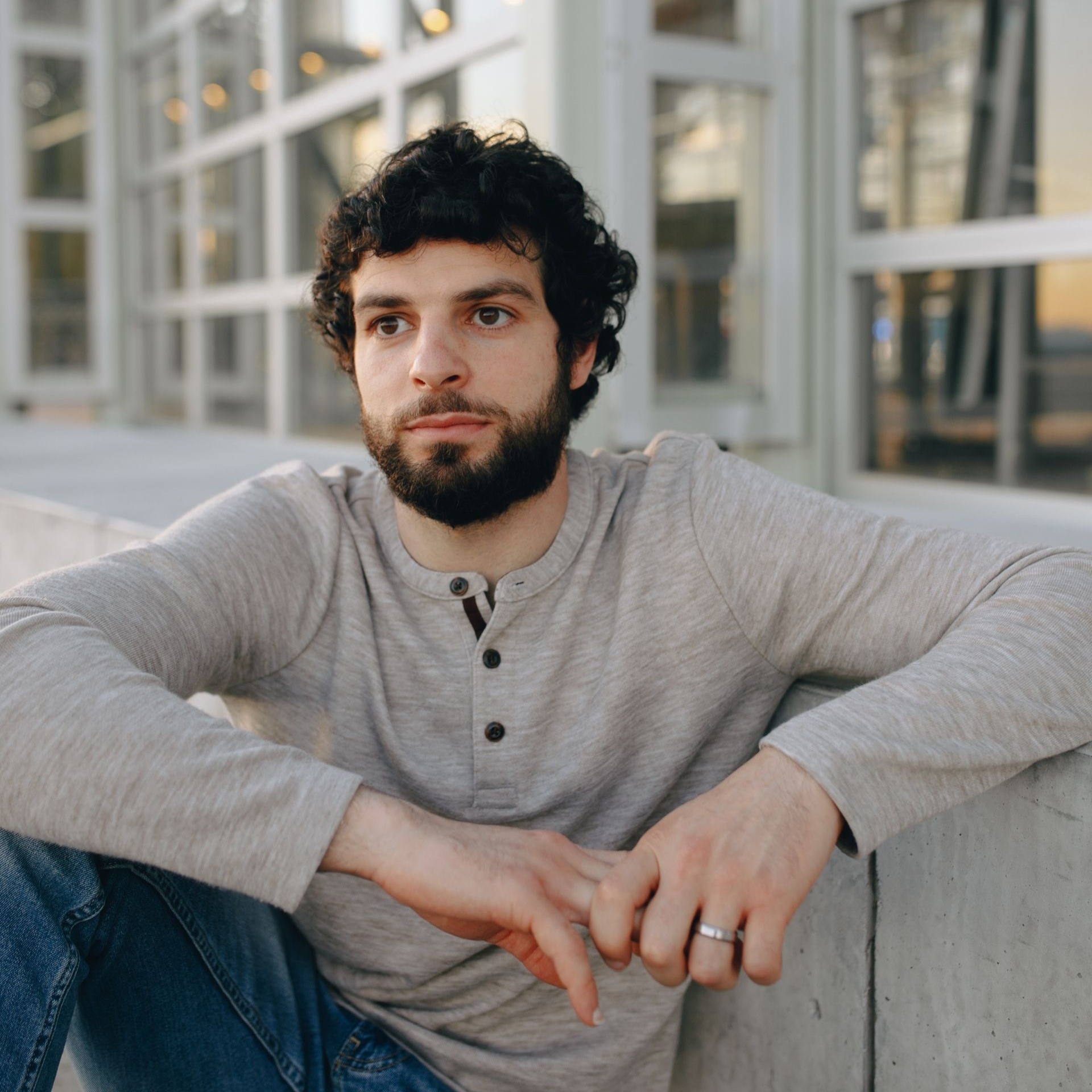
 Navy suit, studio grey


 Charcoal blazer, office
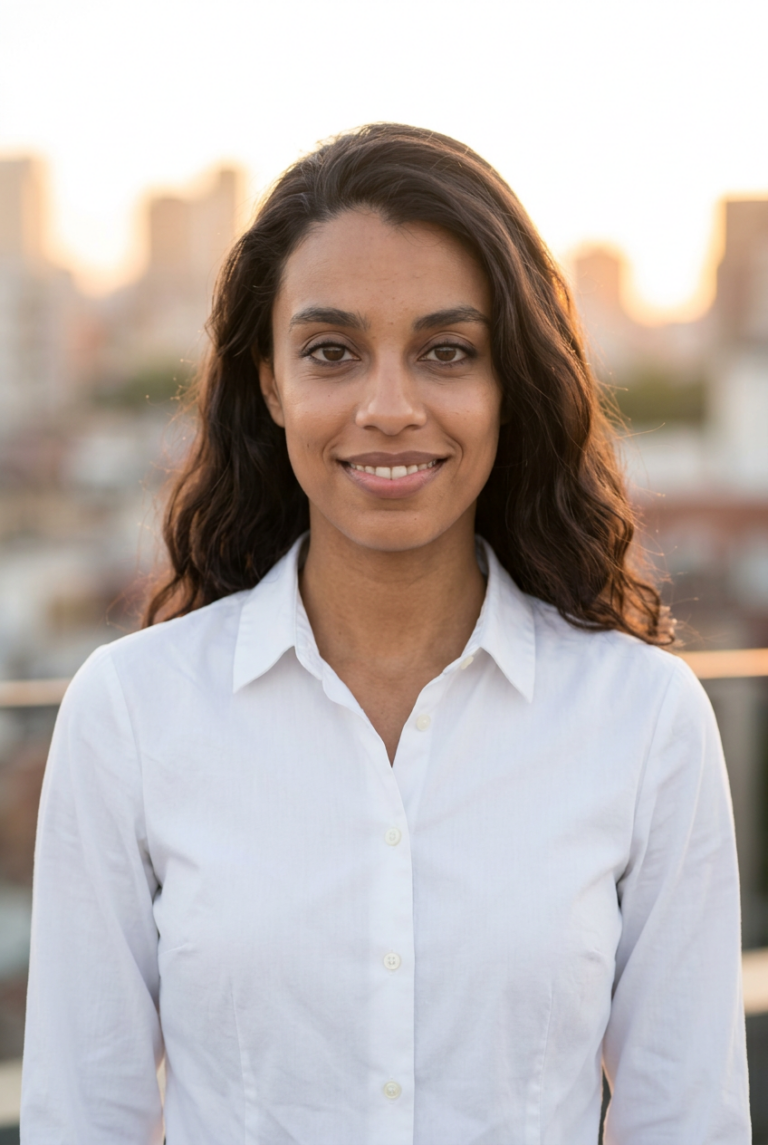
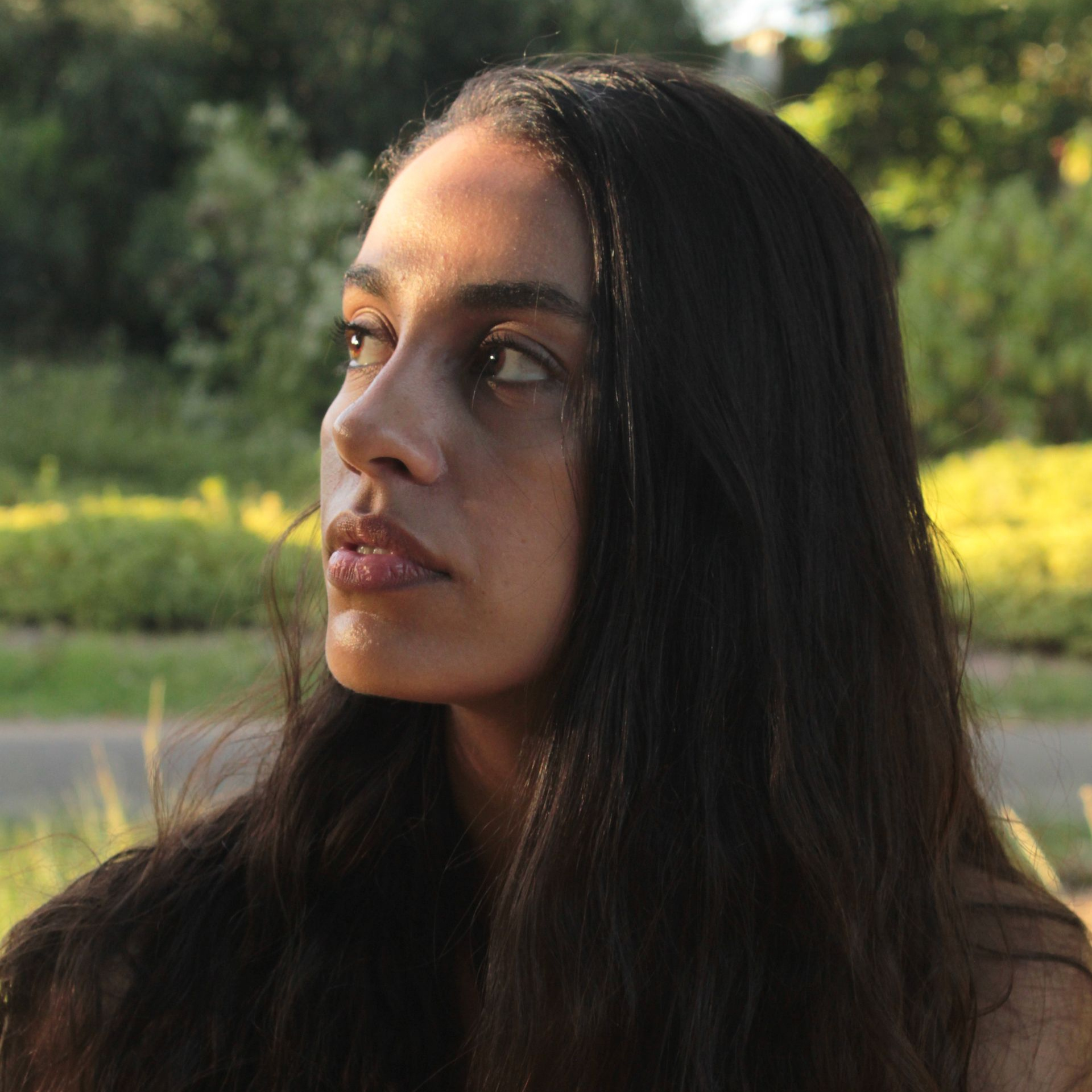
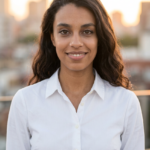 White shirt, city
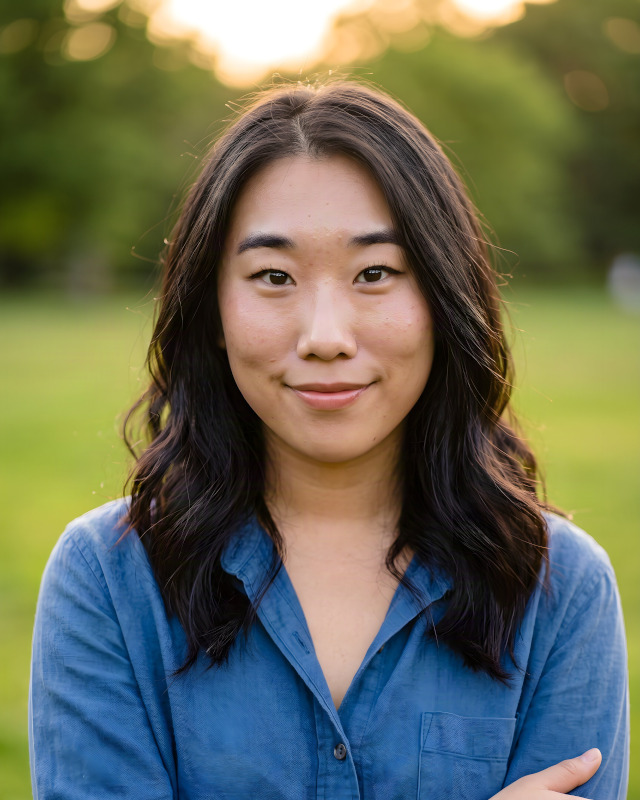

 Smart casual, outdoor
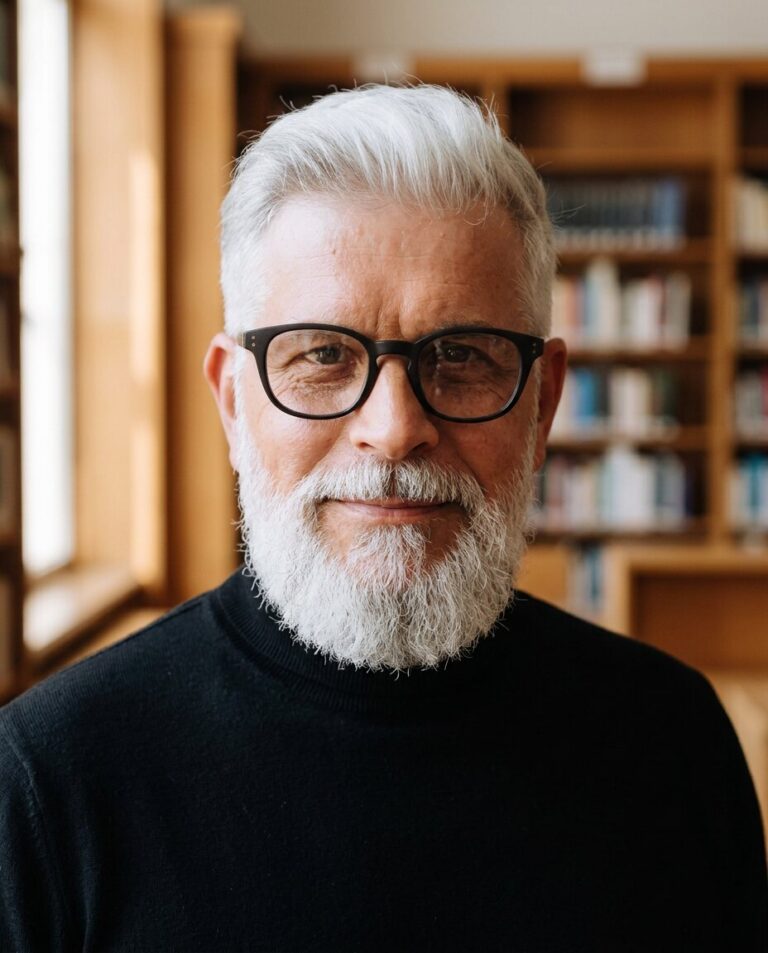

 Black turtleneck, bookshelf
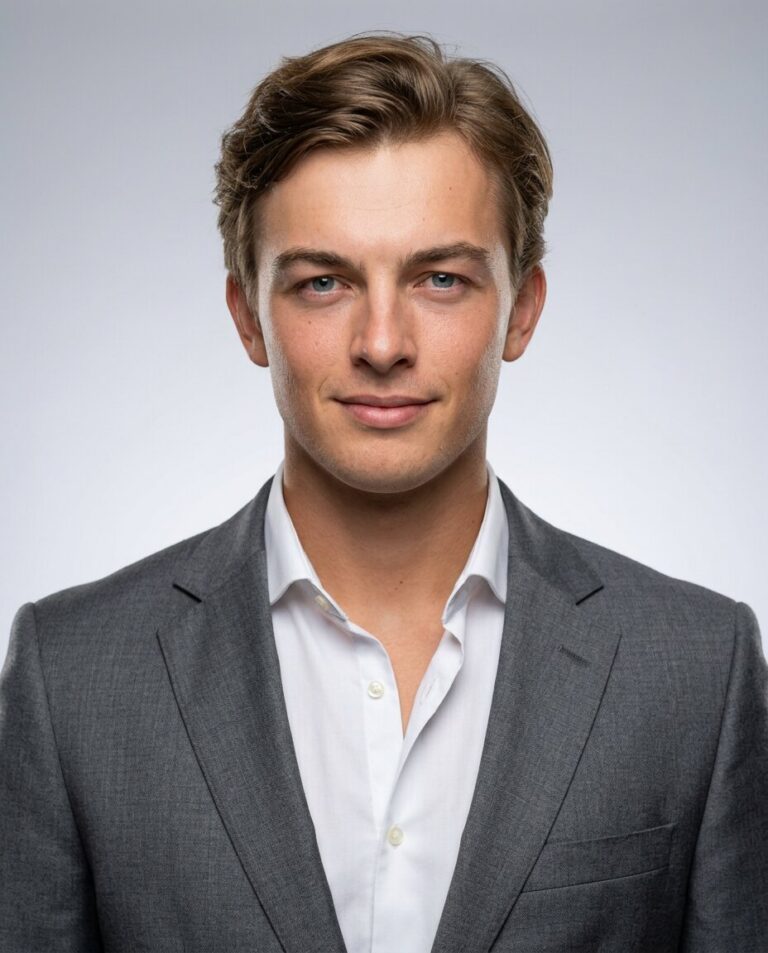

 Grey suit, studio grey
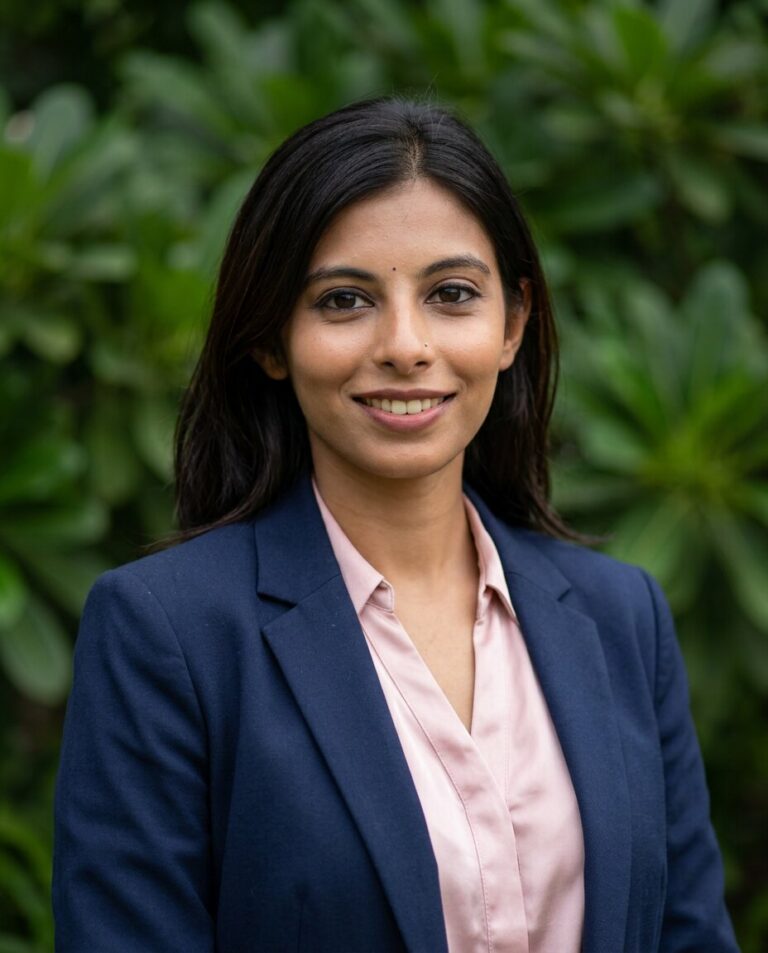

 Navy blazer, outdoor
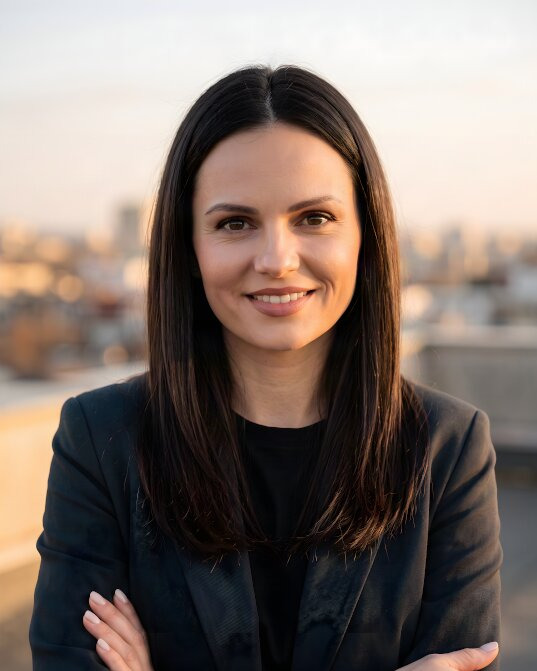
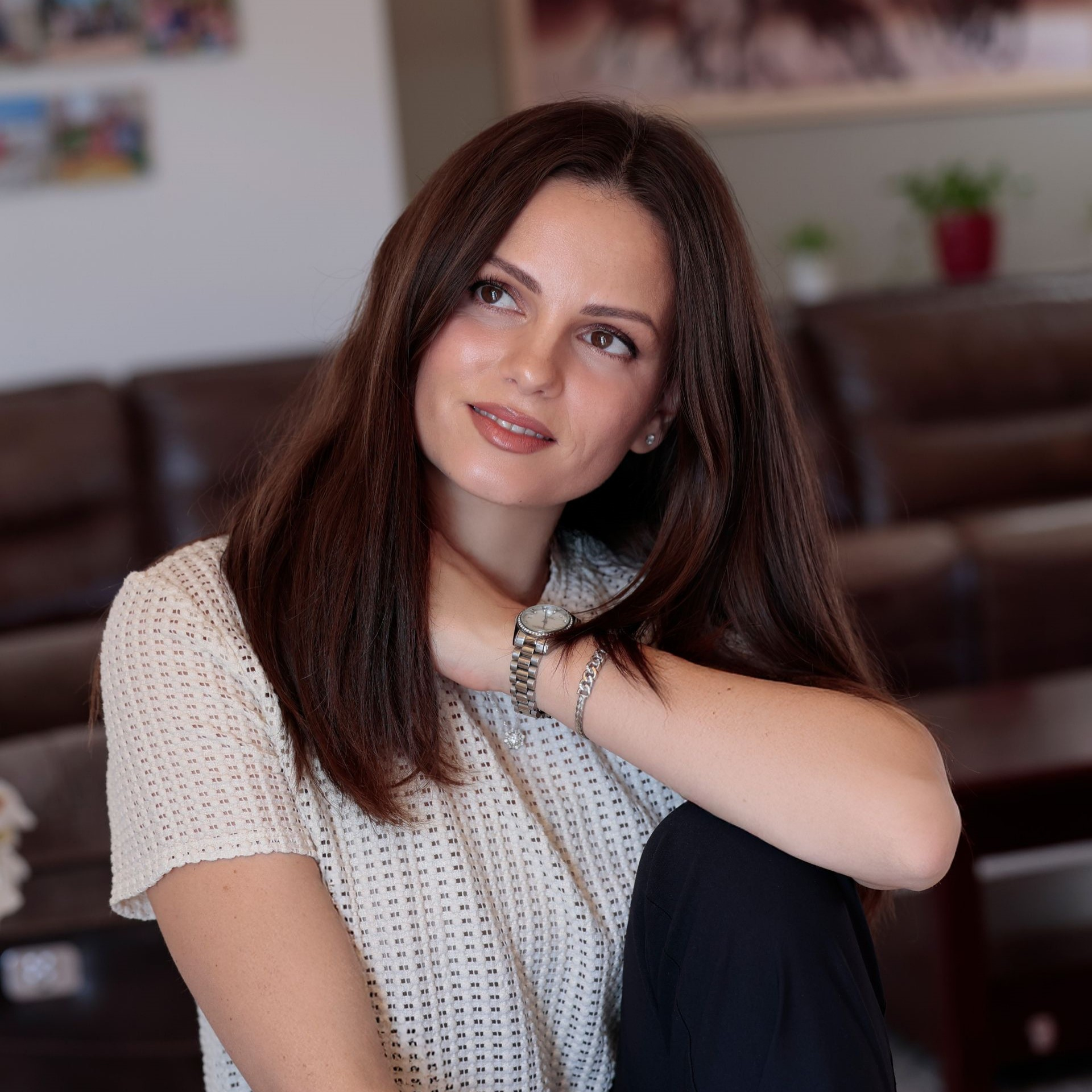
 Knit and blazer, city
What makes a good profile picture
Your profile picture is mostly seen small: next to a message, on a call, under a post. It has to work at every size.
-
A close crop
Head and the top of the shoulders, with your face filling about half of the circle. Wide shots turn into a dot.
-
A calm background
Light grey, a softly blurred office or a simple outdoor scene. A busy background disappears in a chat list.
-
Eye contact
Looking into the camera with a relaxed smile comes across even at 32 pixels, next to a comment.
-
One face everywhere
Use the same photo, or the same look, on LinkedIn, Slack, Teams, Zoom and your social profiles, so people recognise you.
-
A square file of about 1000 px
Every platform crops to a square or a circle, so one square file of about 1000 × 1000 px fits them all.

- Shape
- square file, shown round
- Size
- about 1000 × 1000 px
- Format
- JPG or PNG
Each platform sets its own limits; see the table below.
Profile picture sizes by platform
What each platform asks for, from their help pages and current size guides. One square file of about 1000 × 1000 px works on all of them.
| Platform | Size | Good to know |
|---|---|---|
| 400 × 400 px or more | Up to 8 MB, JPG or PNG. Shown as a circle, also next to posts and comments. | |
| X (Twitter) | 400 × 400 px | Up to 2 MB, JPG, PNG or GIF. Shown as a circle. |
| 320 × 320 px or more | Shown as a small circle in the feed and in stories: keep your face in the middle. | |
| 320 × 320 px or more | Shown as a circle on your profile, in comments and in Messenger. | |
| Slack | 512 to 1024 px | Slack asks for a square of at least 512 and at most 1024 pixels. |
| Microsoft Teams | Up to 648 × 648 px | Microsoft 365 shows your photo in sizes from 48 to 648 pixels. Your company may manage it for you. |
Where people see your profile picture
People rarely visit your profile page. Your picture travels instead: next to each message in Slack or Teams, on a Zoom call with the camera off, under every comment you post.
# project-launch

 Your name

PicSuit, a photographer, or a selfie?
How the three options compare for a profile picture.
| Compare | PicSuit | Photographer | Phone selfie |
|---|---|---|---|
| Cost | From $29, paid once | Paid per session, plus extra for retouching or more photos | Free |
| Time | About 20 minutes, from home | A date to book, the session, then the edits | Quick, but many retakes |
| Looks | Formal and relaxed styles in one order | One look per session | What you wear that day |
| Light | Even studio light in every photo | Professional lighting | Window light, if you are lucky |
| Choice | 25 to 80 photos to pick from | A few edited favourites | Whatever you liked best |
| Not happy? | 14-day money-back guarantee | Book and pay again | Take another one |
Choose the look that fits your industry
Mix outfits and backdrops, from boardroom formal to relaxed smart casual.
Outfits
-
Navy suit
-
Charcoal blazer
-
White shirt
-
 Smart casual knit
-
 Black turtleneck
Backdrops
-
 Studio grey
-
 Office
-
 City
City
-
 Bookshelf
-
 Outdoor
Pay once. Keep your headshots forever.
No subscription and nothing to cancel.
Starter
For a quick profile photo update.
$29 one-time
- Included: 25 headshots
- Included: 3 styles (outfit + backdrop)
- Not included: No redo session
- Included: Standard quality
Professional
RecommendedFor LinkedIn, your CV, and your website.
$49 one-time
- Included: 50 headshots
- Included: 7 styles (outfit + backdrop)
- Not included: No redo session
- Included: High quality
Complete
For the widest choice of looks.
$79 one-time
- Included: 80 headshots
- Included: 12 styles (outfit + backdrop)
- Included: 1 redo session on request
- Included: 4K quality
14-day money-back guarantee
If you don't get a headshot you'd happily use, we refund your payment.
Your selfies stay yours
You're trusting us with your face. Here's exactly what we do with it.
-
Deleted after 30 days
Your uploads are removed automatically, or right away when you ask.
-
Used only for your headshots
Your photos never train anyone else's results.
-
Never sold or shared
No advertisers, no data brokers, no public galleries without your consent.
-
The headshots are yours
Use them anywhere, for personal and commercial purposes.
Questions about professional profile pictures
Can't find your answer? Contact
What makes a profile picture look professional?
A close crop of your head and shoulders, even light, a calm background and a natural expression. Clothes a step smarter than everyday, and a recent photo that looks like you today.
Should I use the same profile picture everywhere?
For work, yes: one photo on LinkedIn, Slack, Teams, Zoom and in your email helps people recognise you before the first call. On Instagram or Facebook you can pick a more relaxed photo from the same set.
What size should a profile picture be?
A square file of about 1000 × 1000 px works on every big platform: it is above LinkedIn's minimum of 400 px and within Slack's maximum of 1024 px. The platform crops it to a circle.
Why does my profile picture look blurry?
Usually the file is too small, or it was cut out of a larger photo. Upload a square photo of at least 400 px, crop close to the face and save it as JPG or PNG.
How do I change my profile picture in Teams, Slack or Zoom?
Open your profile in the app, click your current picture or initials and upload the new photo. In Microsoft Teams the photo may be managed by your company: if you cannot change it, ask your IT team.
Can I use an AI photo as my profile picture?
Yes, as long as it looks like you. Every PicSuit photo is made from your own selfies, so colleagues who meet you on a video call recognise you straight away.
Which photo should I use on LinkedIn?
A formal one with a plain background and your face close to the camera. Our LinkedIn page shows the circle crop and the sizes LinkedIn asks for.
One photo for every profile
One-time payment from $29. 14-day money-back guarantee.