AI headshots for LinkedIn
LinkedIn Profile Photo Generator
A professional photo that still looks like you. Upload a few selfies and get 25 to 80 LinkedIn profile pictures in about 20 minutes, framed for the circle and dressed for your industry.
- From $29, one-time payment
- 14-day money-back guarantee
- Your selfies stay private
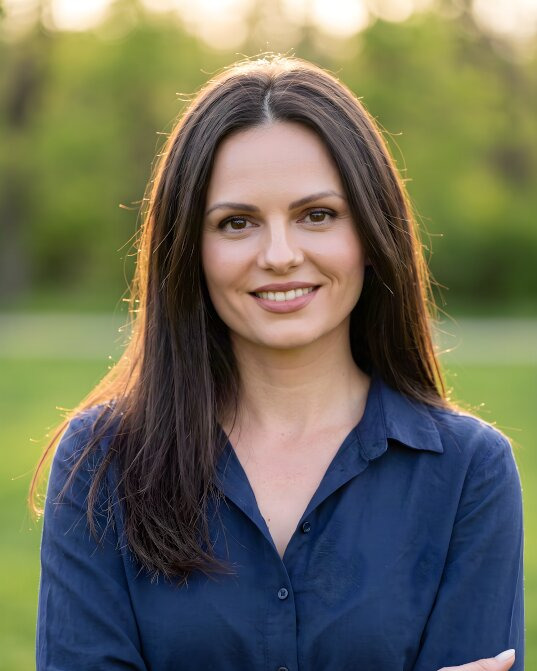
Your name
Job title at Company

- paid once, no subscription
- From $29
- typical delivery time
- 20 minutes
- profile pictures to choose from
- 25 to 80
- money-back guarantee
- 14 days
From selfie to LinkedIn profile picture in three steps
About [3 minutes] of your time. We do the rest.
-
1
Upload a few selfies
Add 5–10 everyday photos of yourself. Different angles and lighting give the best likeness.
About [2 minutes] -
2
Pick a look for your profile
Choose the outfits and backdrops that suit your industry, from a navy suit in a studio to smart casual in an office.
About [1 minute] -
3
Set your new profile picture
Download your favorite and upload it to LinkedIn. The rest work for your CV, website, and email signature.
Ready in 20 minutes
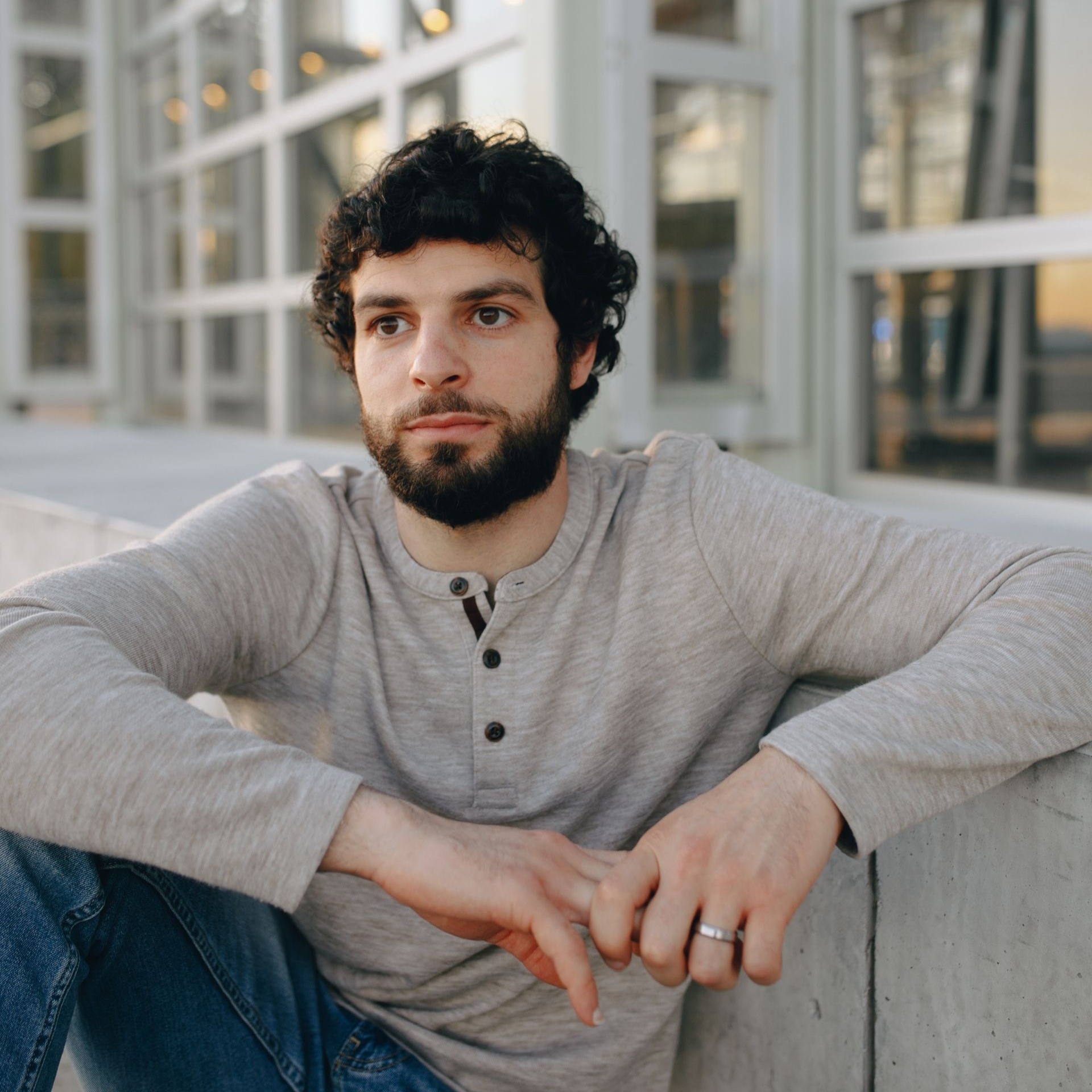
LinkedIn profile pictures made from selfies
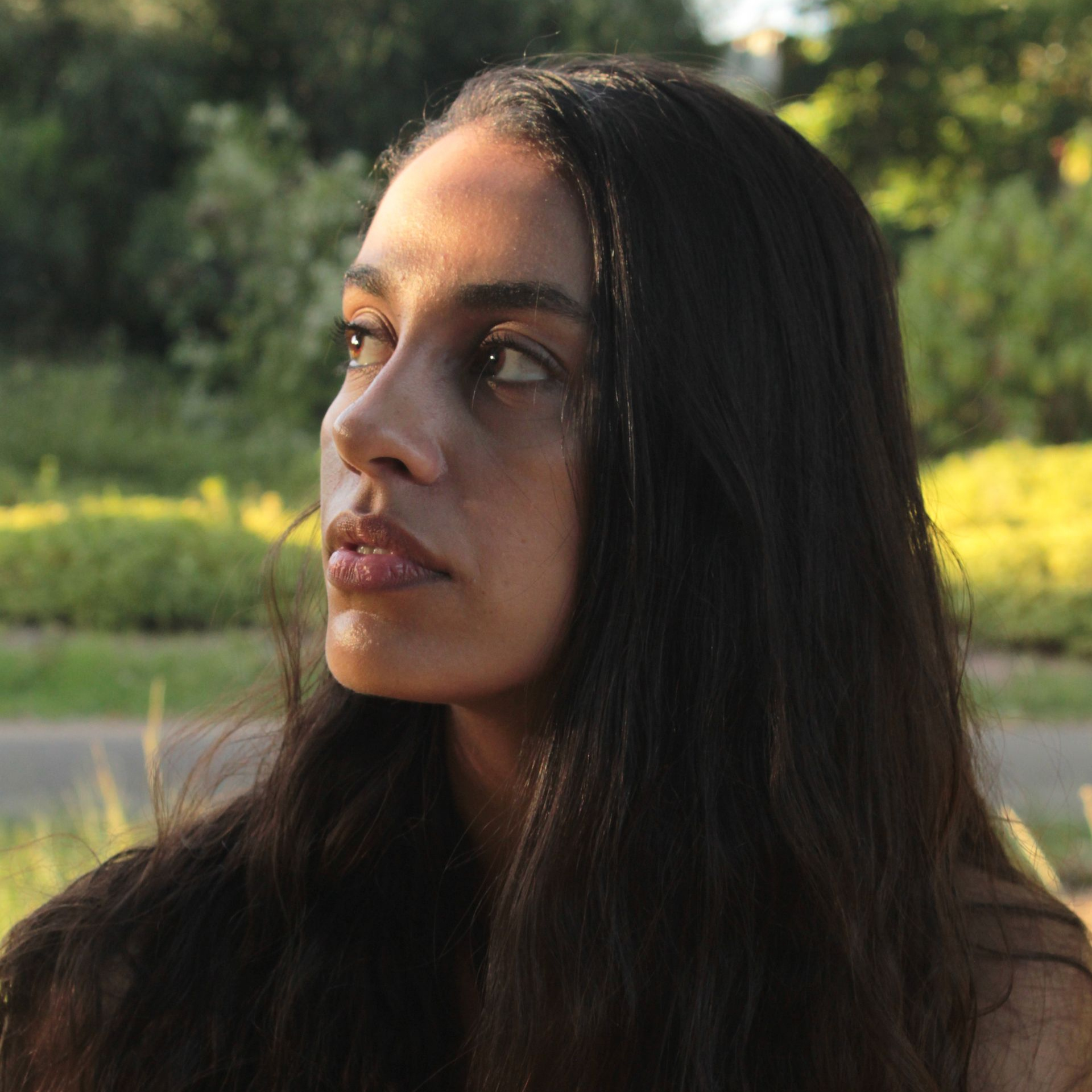
The selfie is in the corner. The circle under each picture shows how it looks on a profile.
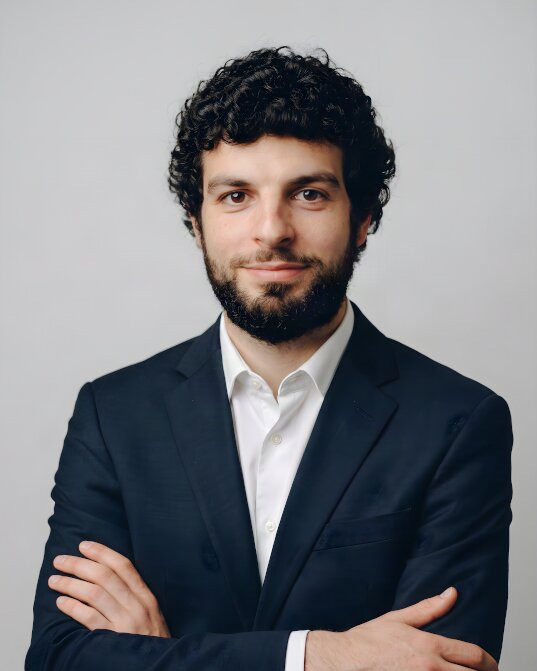
 Navy suit, studio grey


 Charcoal blazer, office
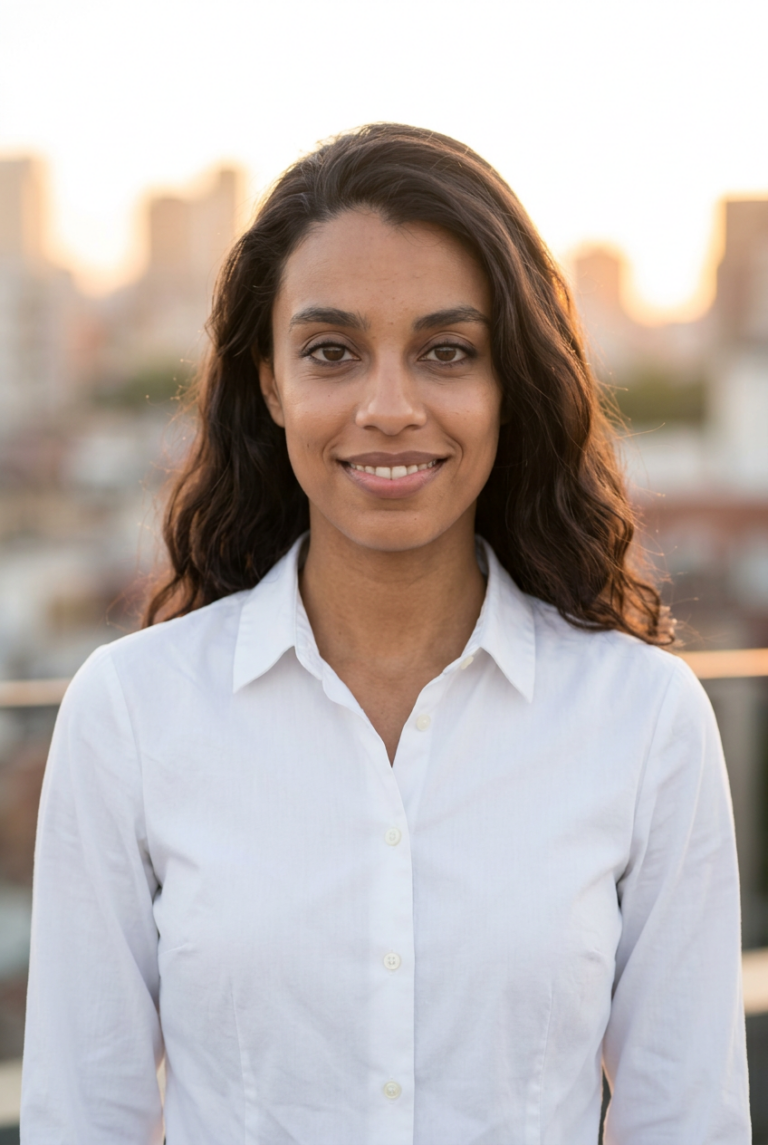
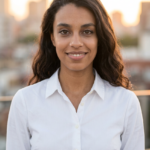 White shirt, city
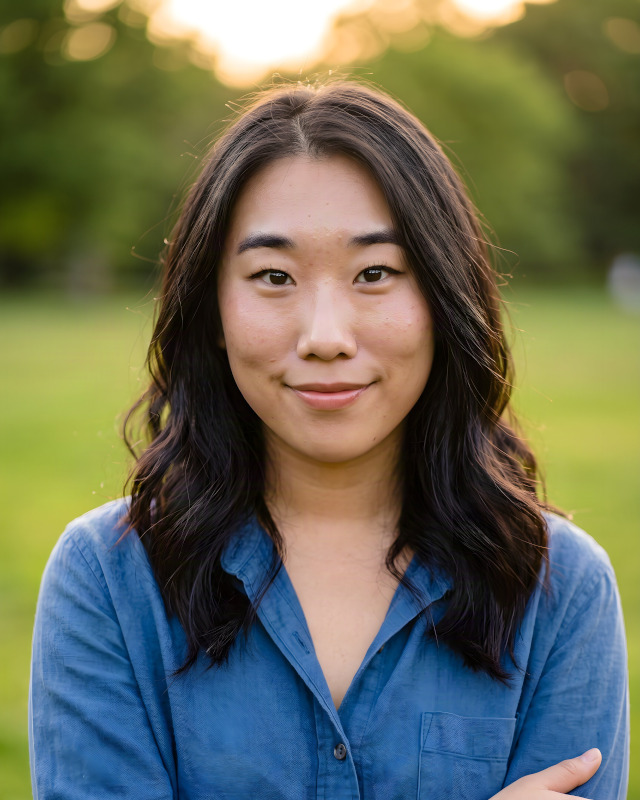

 Smart casual, outdoor


 Black turtleneck, bookshelf


 Grey suit, studio grey
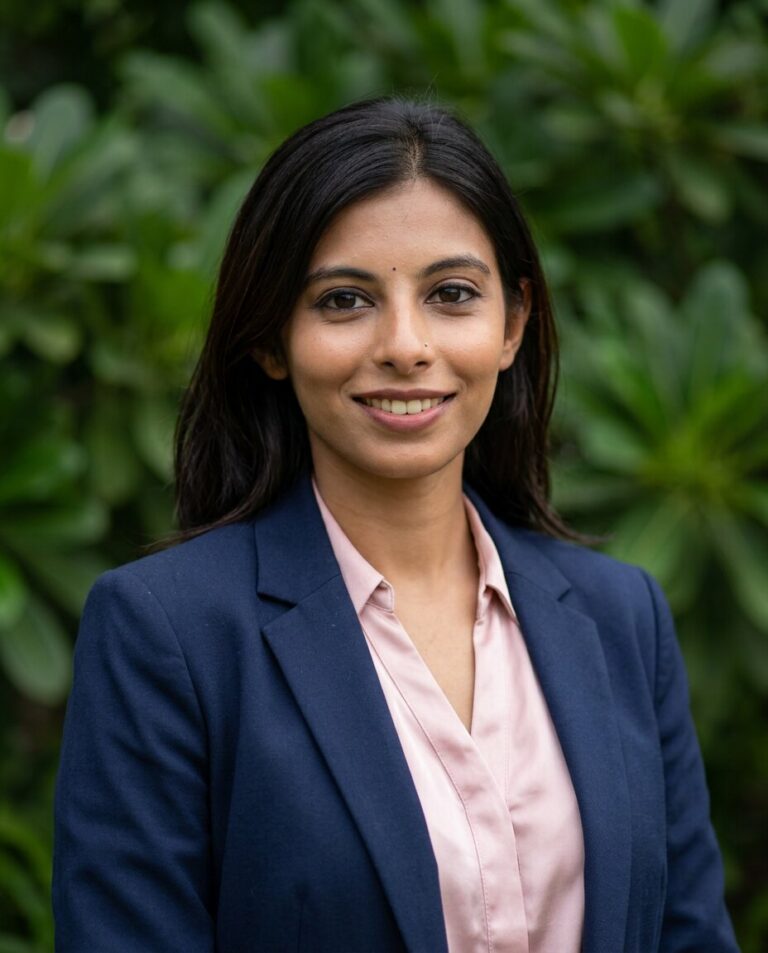

 Navy blazer, outdoor
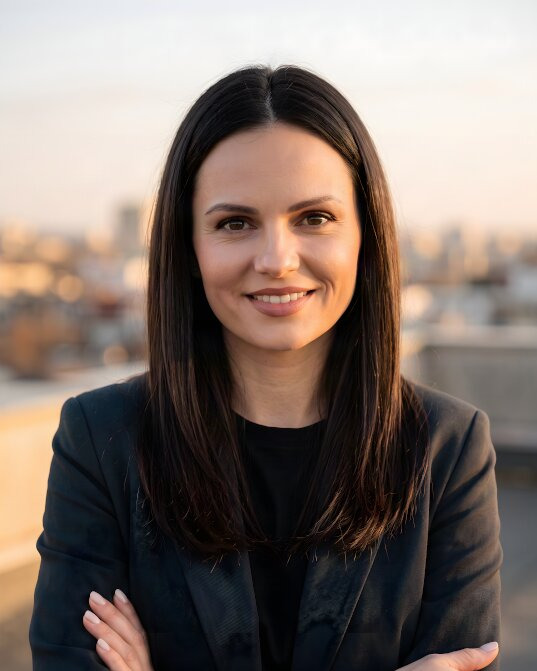
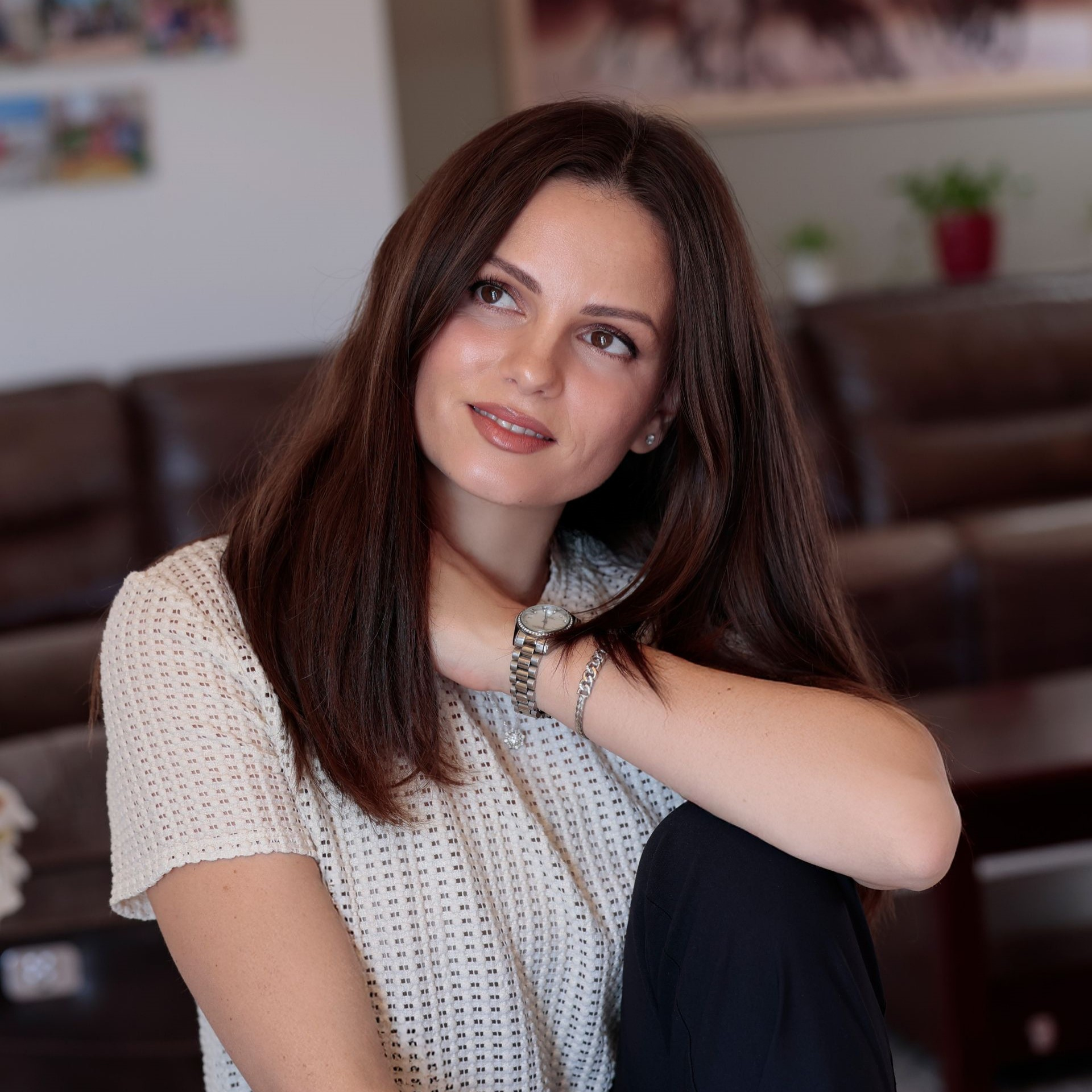
 Knit and blazer, city
What makes a good LinkedIn profile picture
LinkedIn shows your picture as a small circle next to everything you post, send, and comment on. Five things decide whether it works there.
-
Your face fills the circle
Head and shoulders, centered, with your face taking up around 60% of the frame. People recognize you even at thumbnail size.
-
Sharp at every size
-
A background that stays quiet
Studio grey, a soft office, or a blurred city. Nothing that competes with your face inside a small circle.
-
Dressed for your industry
A suit for finance and law, smart casual for tech and creative work. You choose the outfits before we generate.
-
Still you
Every picture is built from your own selfies, so colleagues and clients recognize you on a call or in person.

- Recommended size
- 400 × 400 px or larger
- Shape
- Square file, shown as a circle
- File
- [JPG or PNG, up to 8 MB]
LinkedIn's own recommendations. [Check the current values in LinkedIn Help before publishing.]
One picture, everywhere LinkedIn shows your name
Most people never open your profile. They see the small circle next to a post, a search result, or a message.

Your name

Your name

Your name
-
Job seekers Look ready for the role before a recruiter opens your profile.
-
Sales and outreach Give cold messages a face that people are willing to answer.
-
Founders and executives One consistent picture for your profile, your posts, and the press.
-
Freelancers and consultants Look as professional as the work you sell.
-
Recruiters and hiring managers Be the approachable face of your company for every candidate.
-
Students and graduates A professional first profile picture without a studio budget.
PicSuit, a cropped selfie, or a photo studio?
The three usual ways to get a LinkedIn profile picture, side by side.
| Compare | PicSuit | Cropped selfie | Photo studio |
|---|---|---|---|
| Cost | From $29, paid once | Free | [Typical studio price in your market] |
| Time | About 20 minutes, from your sofa | A minute | Booking, travel, and days waiting for edits |
| Background and light | Studio, office, or city, evenly lit | Whatever was behind you | Professional |
| Outfit | Pick a suit or smart casual in the app | What you wore that day | What you bring |
| Choice | 25 to 80 pictures in up to 12 styles | One photo | A handful of retouched shots |
| Not happy? | 14-day money-back guarantee | Take another selfie | Pay for another session |
Choose the look that fits your industry
Mix outfits and backdrops, from boardroom formal to relaxed smart casual.
Outfits
-
Navy suit
-
Charcoal blazer
-
White shirt
-
 Smart casual knit
-
 Black turtleneck
Backdrops
-
 Studio grey
-
 Office
-
 City
City
-
 Bookshelf
-
 Outdoor
Pay once. Keep your headshots forever.
No subscription and nothing to cancel.
Starter
For a quick profile photo update.
$29 one-time
- Included: 25 headshots
- Included: 3 styles (outfit + backdrop)
- Not included: No redo session
- Included: Standard quality
Professional
RecommendedFor LinkedIn, your CV, and your website.
$49 one-time
- Included: 50 headshots
- Included: 7 styles (outfit + backdrop)
- Not included: No redo session
- Included: High quality
Complete
For the widest choice of looks.
$79 one-time
- Included: 80 headshots
- Included: 12 styles (outfit + backdrop)
- Included: 1 redo session on request
- Included: 4K quality
14-day money-back guarantee
If you don't get a headshot you'd happily use, we refund your payment.
Your selfies stay yours
You're trusting us with your face. Here's exactly what we do with it.
-
Deleted after 30 days
Your uploads are removed automatically, or right away when you ask.
-
Used only for your headshots
Your photos never train anyone else's results.
-
Never sold or shared
No advertisers, no data brokers, no public galleries without your consent.
-
The headshots are yours
Use them anywhere, for personal and commercial purposes.
Questions about LinkedIn profile pictures
Can't find your answer? Contact
What size should a LinkedIn profile picture be?
LinkedIn recommends a square picture of at least 400 × 400 pixels and shows it as a circle.
Can I use an AI-generated picture on LinkedIn?
LinkedIn expects a profile picture to show your real likeness. PicSuit builds every picture from your own selfies, so it still shows you. Choose the results that look like you on a normal working day. [Check the wording against LinkedIn's current photo guidelines before publishing.]
Will the picture really look like me?
The model learns your face from your own selfies, so the results keep your features. If none of them look like you, the money-back guarantee applies.
How many LinkedIn pictures do I get?
25, 50 or 80, depending on the package. Most people set one as their LinkedIn picture and use the others for a CV, a company website, and an email signature.
Is there a free LinkedIn profile picture generator?
PicSuit is a paid service. Packages start at $29, paid once, with a 14-day money-back guarantee. If you already have a good photo, our free tools help you [crop and resize] it for LinkedIn.
How do I change my LinkedIn profile picture?
Open your LinkedIn profile, select your current picture, and upload the new file. Drag the picture until your face sits in the middle of the circle, then save.
How often should I update my LinkedIn picture?
Whenever your look changes noticeably: a new haircut, glasses, a beard. People should recognize you from the picture when they meet you.
What happens to my selfies?
They're used only to create your pictures and are deleted after 30 days. You can delete them sooner from your account.
What if I don't like the results?
Ask for a refund within 14 days and we'll return your payment.
Your next LinkedIn profile picture is a few selfies away
One-time payment from $29. 14-day money-back guarantee.