AI headshots for company websites
Company website photos
One consistent look for every face on your website. Each person uploads a few selfies and gets 25 to 80 professional photos in about 20 minutes. Everyone picks the same backdrop and style, so your team page looks like one photo shoot.
- From $29 per person, paid once
- 14-day money-back guarantee
- Selfies stay private
Meet the team
-
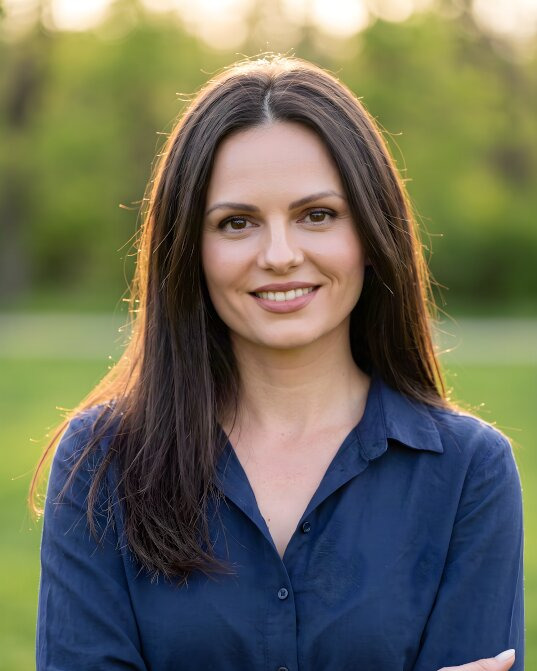
Your name
Job title


- per person, no subscription
- From $29
- from selfies to photos
- 20 minutes
- photos for each person
- 25 to 80
- the same backdrop for the whole team
- One look
Matching website photos in three steps
No photo day to organise. About 3 minutes for each person.
-
1
Everyone uploads a few selfies
Each person adds 5–10 everyday photos of themselves, from their own phone, wherever they work.
About 2 minutes -
2
Agree on one look
Choose one backdrop and one outfit style for the team, such as light grey with a blazer or a bright office with a shirt. Everyone picks the same.
About 1 minute -
3
Publish the set
Download the photos, crop them all to the same format and add them to your team page, contact boxes and blog.
Ready in 20 minutes
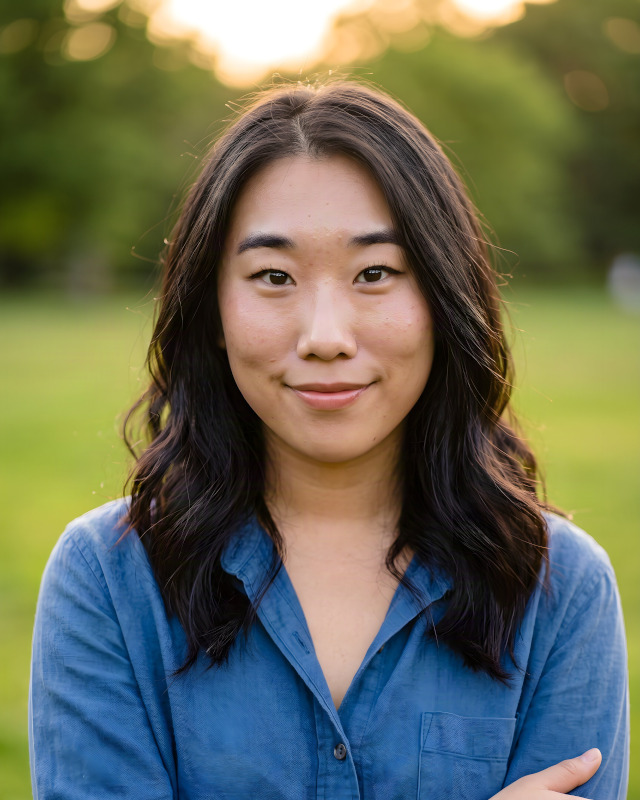
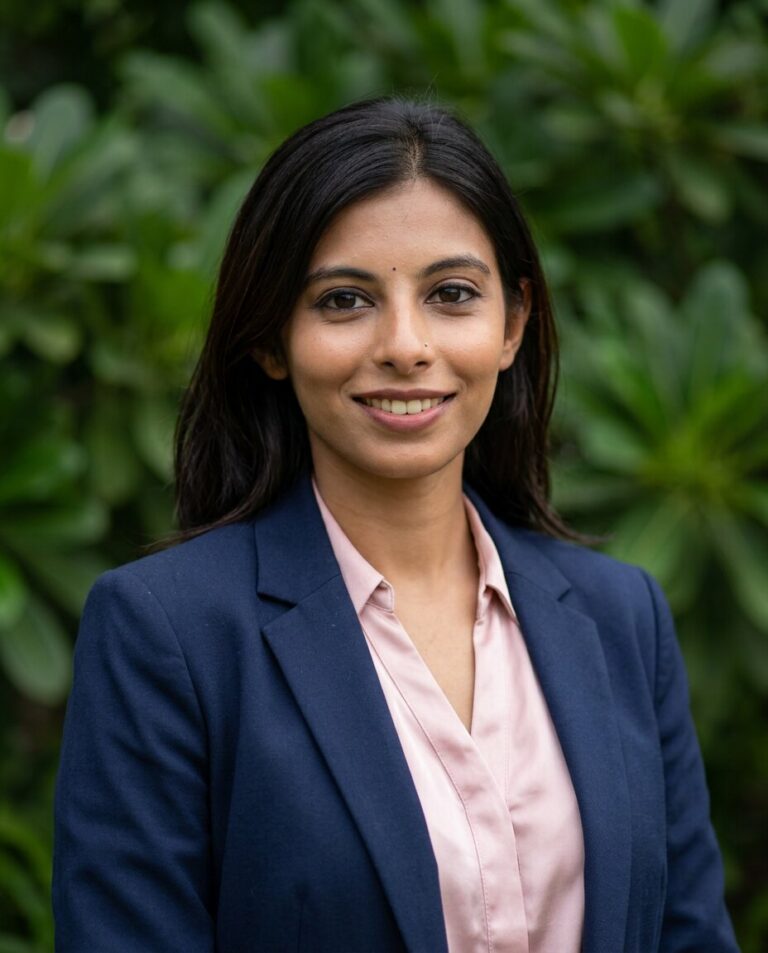
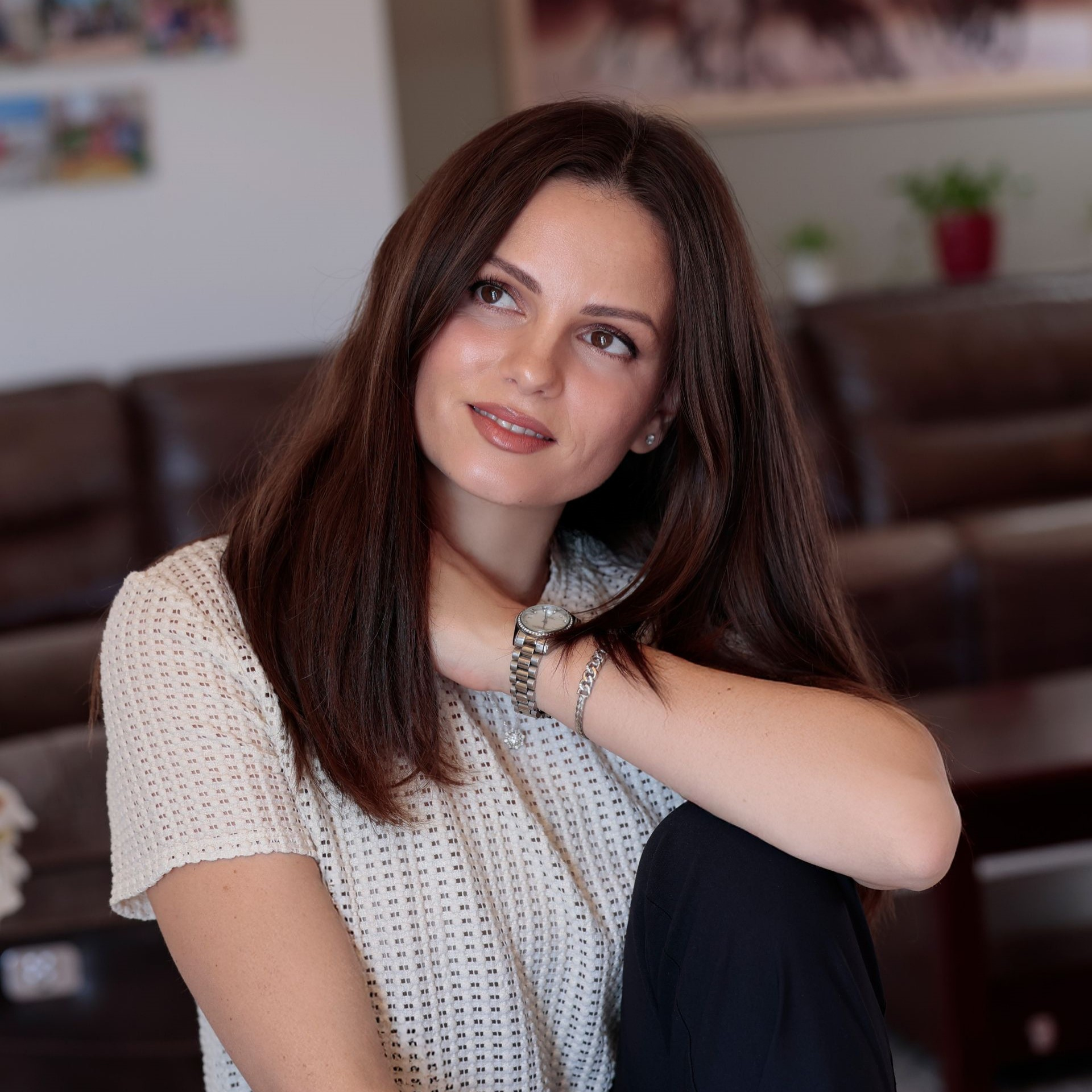
Website photos made from selfies
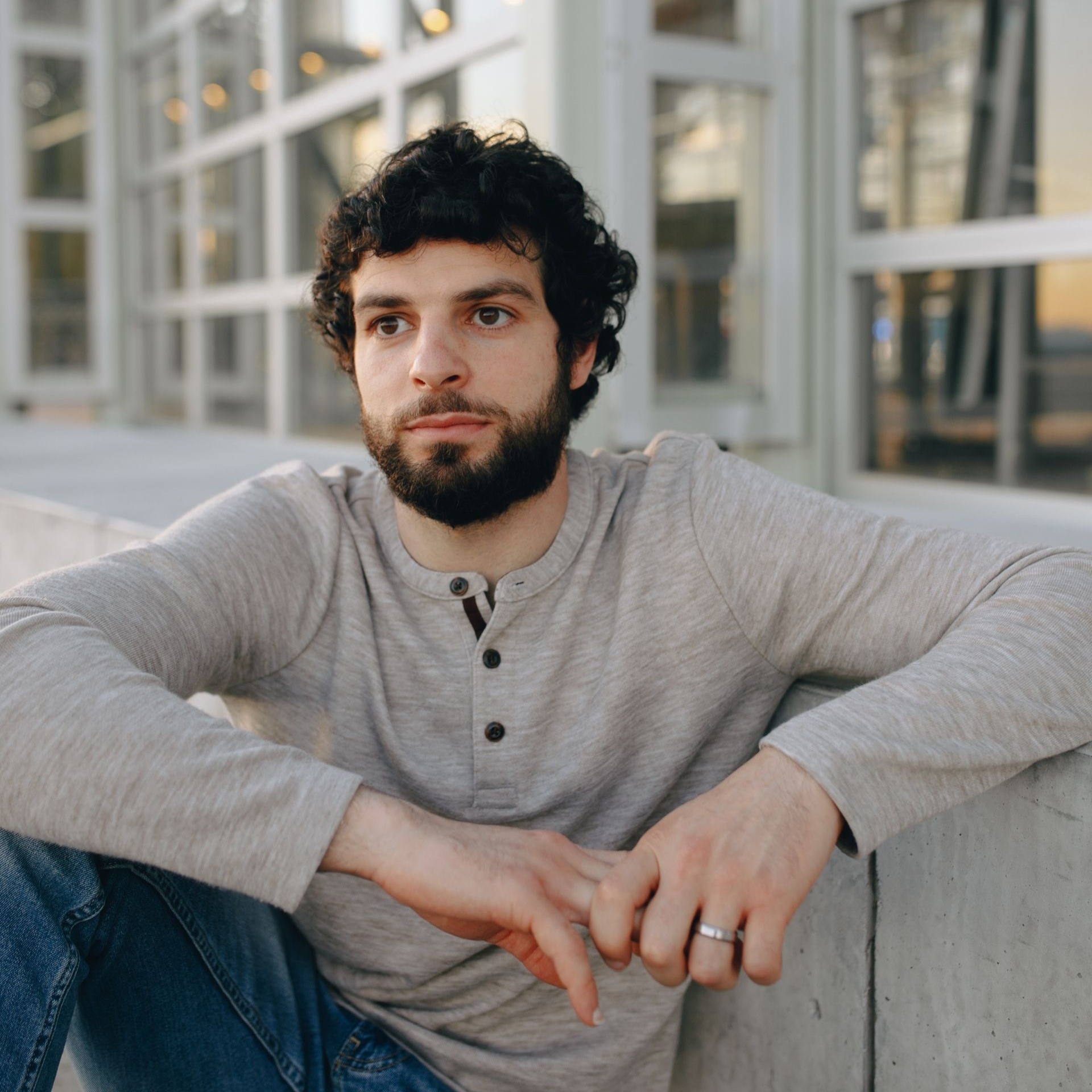
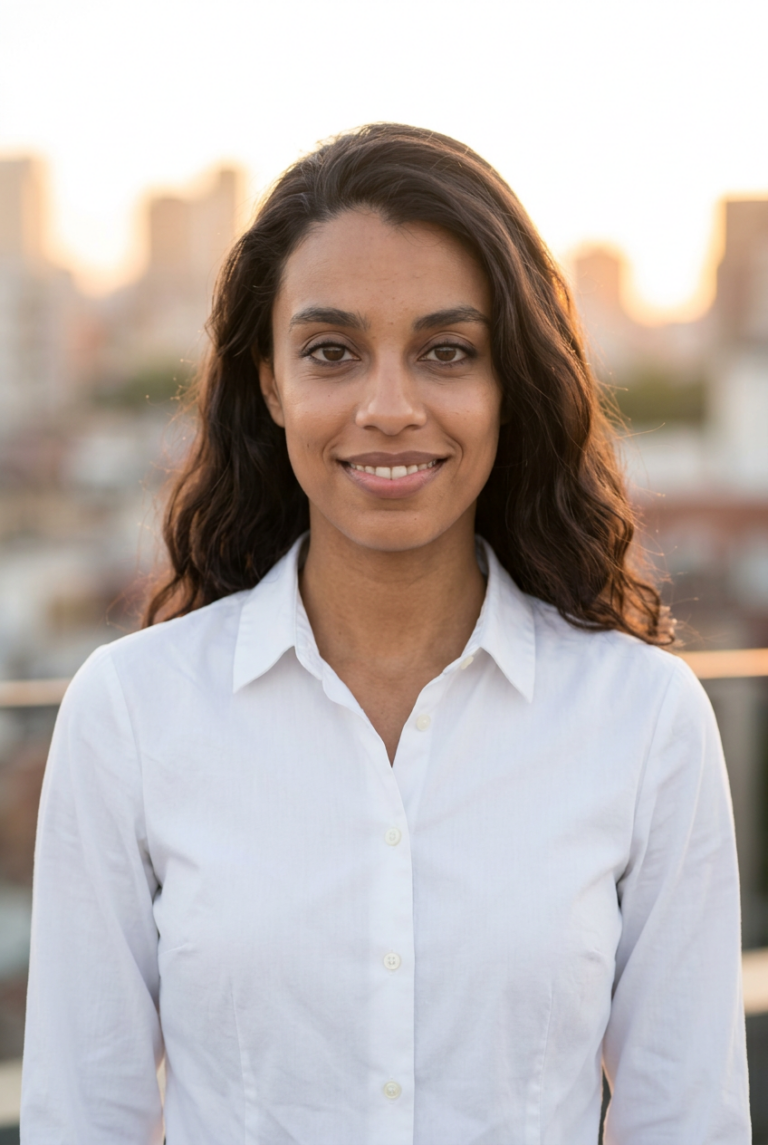
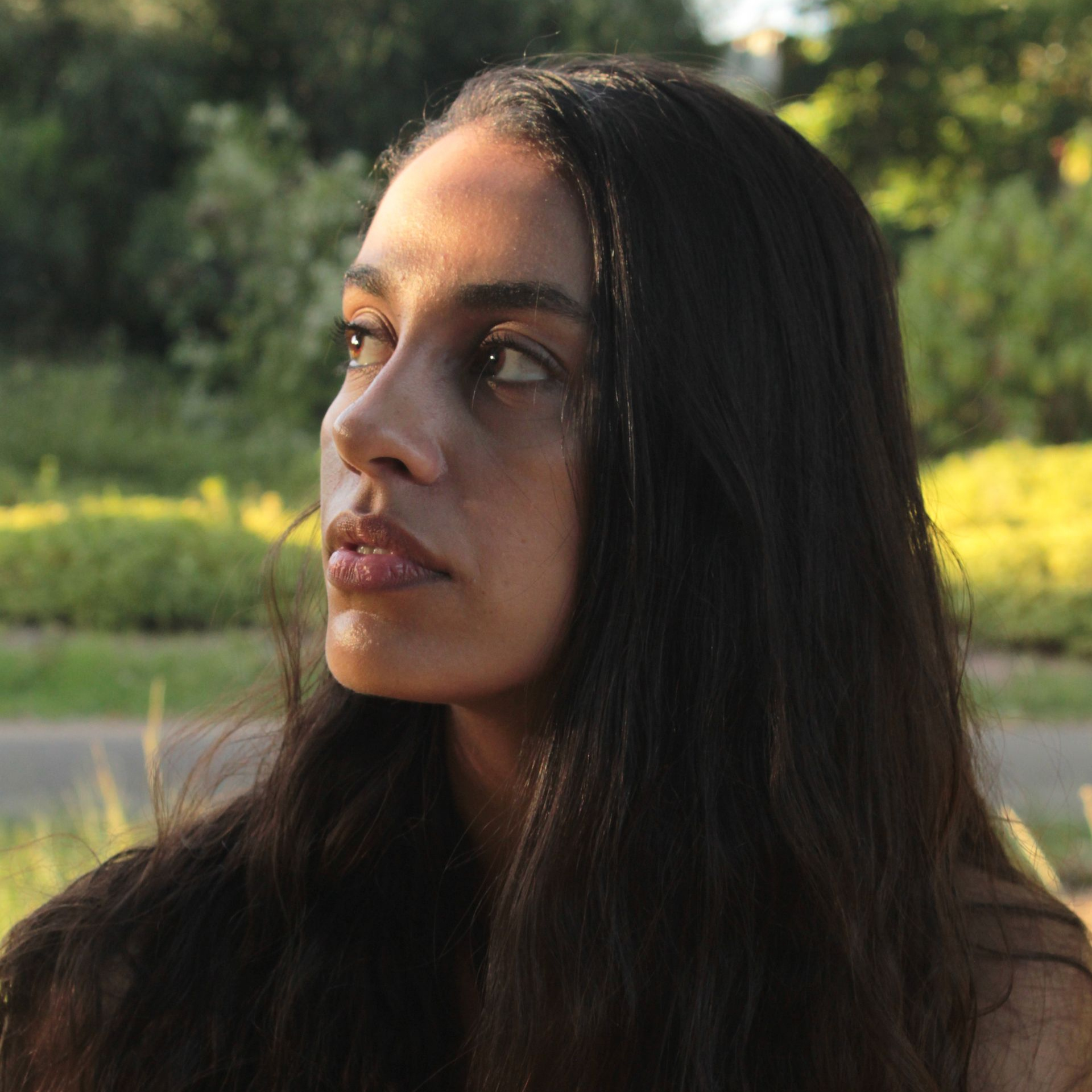
The selfie is in the corner. With one backdrop for everyone, a team page looks like one session.










What makes a good team page
Visitors look at a team page as one picture. A single photo in another style stands out more than a missing one.
-
One backdrop for everyone
Pick one backdrop and use it for every person. Different rooms and colours turn a team page into a collage.
-
The same crop
Head and shoulders, with the eyes at the same height in every photo. Crop all of them to one format, such as 4:5 or square.
-
A dress code, not a uniform
Agree on a level, such as smart casual or suit and tie, and let each person choose their own clothes within it.
-
Light files that stay sharp
About 800 × 1000 px is enough for a team grid. Save the photos as WebP or JPG.
-
New people fit in later
When someone joins, they pick the same backdrop and style, and their photo matches the others without a new shoot.


- Team grid
- 4:5, 800 × 1000 px
- Contact or author box
- square, 400 × 400 px
- File
- WebP or JPG, under 200 KB
Common practice for web images, not a standard. Check the image sizes your website theme uses.
Photo sizes for your website
Website themes crop photos in different ways. These sizes are a safe start; check the image settings of your theme too.
| Where | Recommended | Tip |
|---|---|---|
| Team page grid | 4:5 or square | Use the same format for every card, or the rows of the grid get uneven. |
| Contact person | 400 × 400 px | Shown small next to a phone number or email, so crop close to the face. |
| Blog author box | 200 × 200 px | Many themes show it as a circle: keep the face in the middle of the square. |
| File format | WebP or JPG | WebP files are the smallest and JPG works everywhere. PNG is too heavy for photos. |
| File size | Under 200 KB | Light photos keep the page fast, also on a phone. |
| Sharp screens | Twice the size shown | A photo shown 400 px wide looks crisp on a laptop when the file is 800 px wide. |
Where your website photos go
Wherever your website shows a person: the team page, a contact box, the author of an article.
Our team


Your contact
Your nameJob title
Written by
Your name
PicSuit, a photo day, or everyone's own photo?
Three ways to get photos for your team page.
| Compare | PicSuit | Photo day | Own photos |
|---|---|---|---|
| Cost | From $29 per person, paid once | A photographer's day rate, plus travel and editing | Free |
| Planning | About 3 minutes each, whenever it suits | One date for everyone, in one place | Whenever someone gets to it |
| Remote team | Works from anywhere | Everyone has to be there | Works, but every photo differs |
| New colleagues | Same backdrop and style, any time | Another session, or a gap on the page | One more different photo |
| One look | One backdrop, one light, one crop | Consistent on the day | Different rooms, light and phones |
| Not happy? | 14-day money-back guarantee | Pay for a retake | Try again |
Choose the look that fits your industry
Mix outfits and backdrops, from boardroom formal to relaxed smart casual.
Outfits
-
Navy suit
-
 Charcoal blazer
-
 White shirt
-
 Smart casual knit
-
 Black turtleneck
Backdrops
-
 Studio grey
-
 Office
-
 City
City
-
 Bookshelf
-
 Outdoor
Pay once. Keep your headshots forever.
No subscription and nothing to cancel.
Starter
For a quick profile photo update.
$29 one-time
- Included: 25 headshots
- Included: 3 styles (outfit + backdrop)
- Not included: No redo session
- Included: Standard quality
Professional
RecommendedFor LinkedIn, your CV, and your website.
$49 one-time
- Included: 50 headshots
- Included: 7 styles (outfit + backdrop)
- Not included: No redo session
- Included: High quality
Complete
For the widest choice of looks.
$79 one-time
- Included: 80 headshots
- Included: 12 styles (outfit + backdrop)
- Included: 1 redo session on request
- Included: 4K quality
14-day money-back guarantee
If you don't get a headshot you'd happily use, we refund your payment.
Your selfies stay yours
You're trusting us with your face. Here's exactly what we do with it.
-
Deleted after 30 days
Your uploads are removed automatically, or right away when you ask.
-
Used only for your headshots
Your photos never train anyone else's results.
-
Never sold or shared
No advertisers, no data brokers, no public galleries without your consent.
-
The headshots are yours
Use them anywhere, for personal and commercial purposes.
Questions about company website photos
Can't find your answer? Contact
How do we get matching photos for the whole team?
Agree on one backdrop and one outfit style first. Then everyone uploads their own selfies and picks those same options. Crop all photos to the same format before you publish them. For a team order, write to us.
Can people in different cities take part?
Yes. Everyone uses their own phone and their own selfies, so a remote or hybrid team gets matching photos without a shared photo day.
What about people who join later?
A new colleague picks the same backdrop and style as the rest of the team, so their photo fits on the team page without a new shoot.
What size should team photos be on a website?
For a team grid, a 4:5 portrait of about 800 × 1000 px suits most themes; for a contact or author box, a square of 400 × 400 px. Save them as WebP or JPG under 200 KB and use the same format for everyone.
May we use the photos on our website and in marketing?
Yes. You get full rights to your photos, without restrictions: for the website, proposals, brochures and social media.
Do we need our colleagues' consent?
Ask each person before you publish their photo, and agree on what happens to it when they leave. Each person uploads their own selfies and chooses their own photo.
Can we use the same photos on LinkedIn and in email signatures?
Yes. One photo can be cropped for the team page, for LinkedIn and for an email signature, so clients recognise the same face everywhere.
Give your team page one look
One-time payment from $29 per person. 14-day money-back guarantee.