AI headshots for job applications
Resume and CV photos
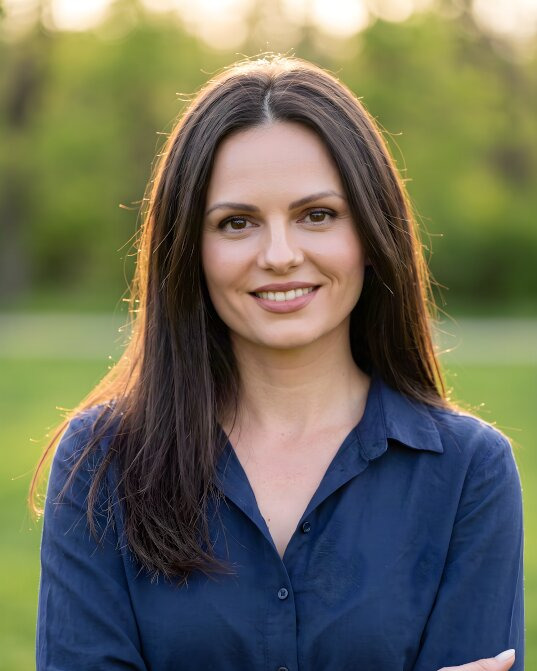
A CV photo that looks professional and still looks like you. Upload a few selfies and get 25 to 80 photos for your CV in about 20 minutes, in the outfits and backdrops recruiters expect. Ready to crop to 35 × 45 mm or any format your CV uses.
- From $29, one-time payment
- 14-day money-back guarantee
- Your selfies stay private
Your name
Job title
- paid once, no subscription
- From $29
- typical delivery time
- 20 minutes
- photos to choose from
- 25 to 80
A photo for your CV in three steps
No studio appointment and no retakes. About [3 minutes] of your time.
-
1
Upload a few selfies
Add 5–10 everyday photos of yourself, taken in daylight and from different angles.
About [2 minutes] -
2
Choose a look for applications
Pick the outfits and backdrops that suit the jobs you apply for: a suit on light grey for a bank, a shirt or blouse on white for an office, smart casual for a start-up.
About [1 minute] -
3
Add it to your CV
Download the photo you like best, crop it to the format of your CV and place it in the top corner or on the cover page.
Ready in 20 minutes
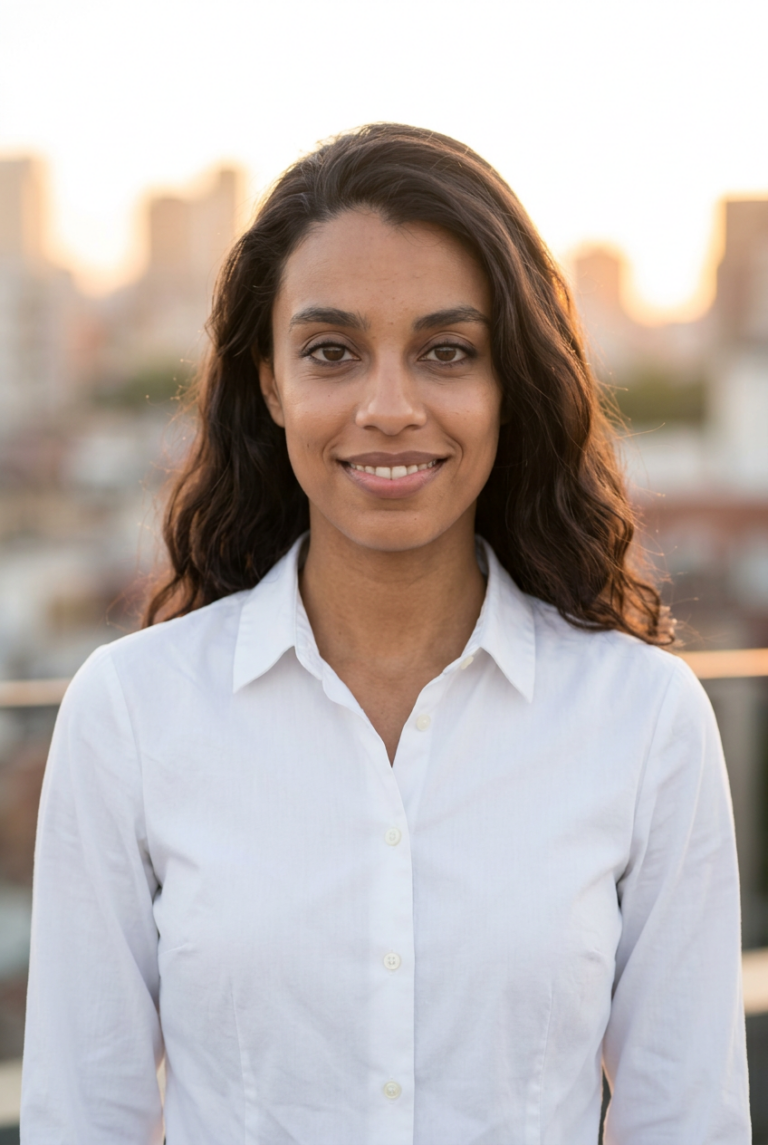
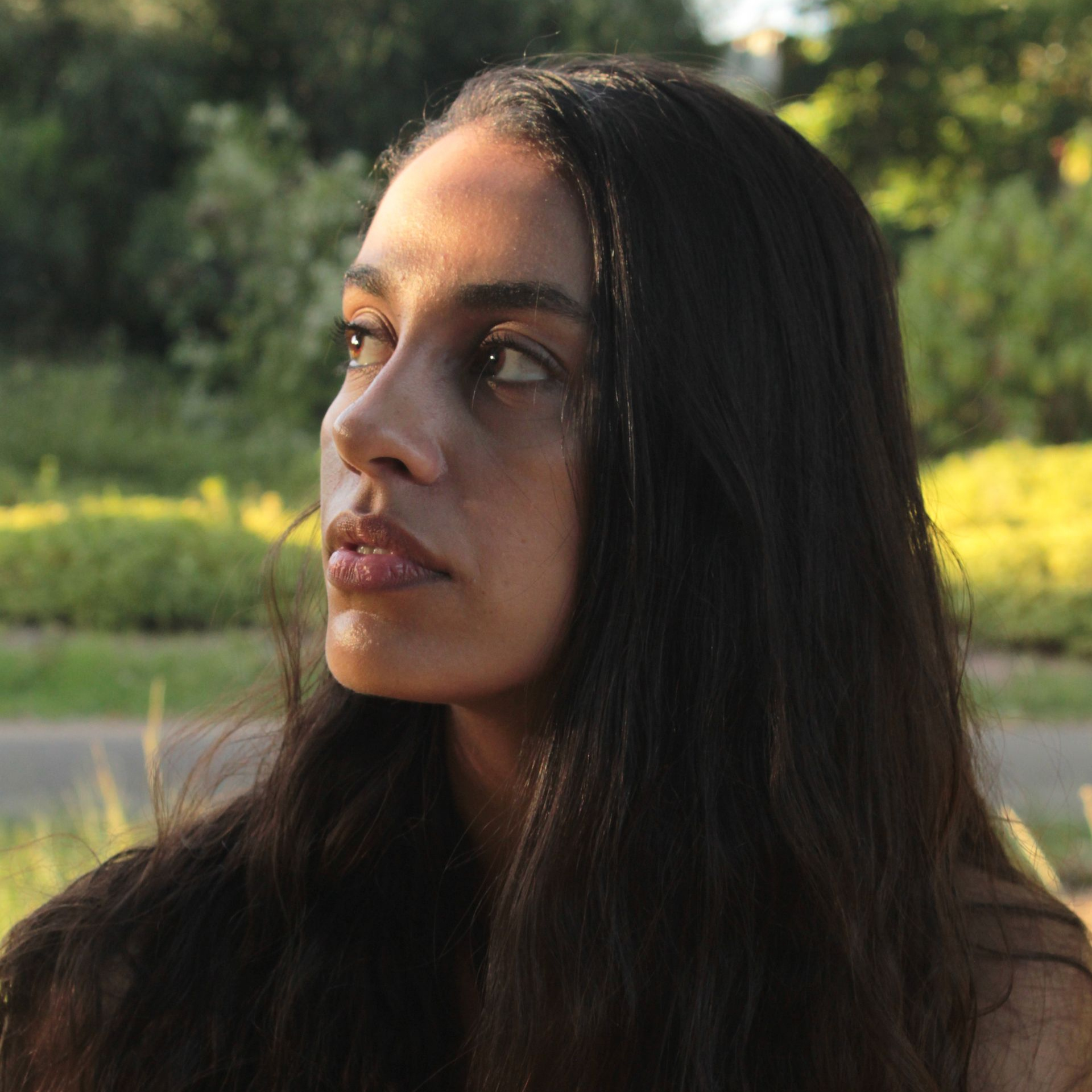
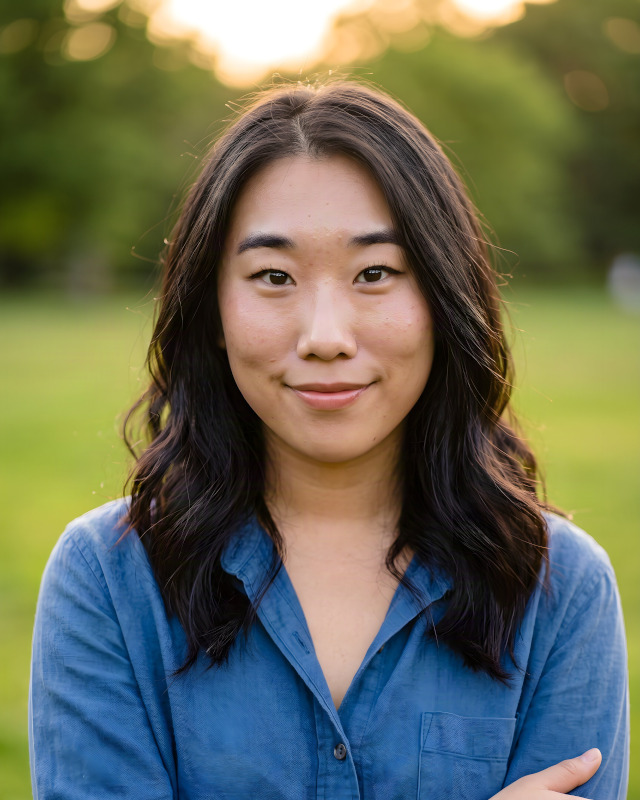
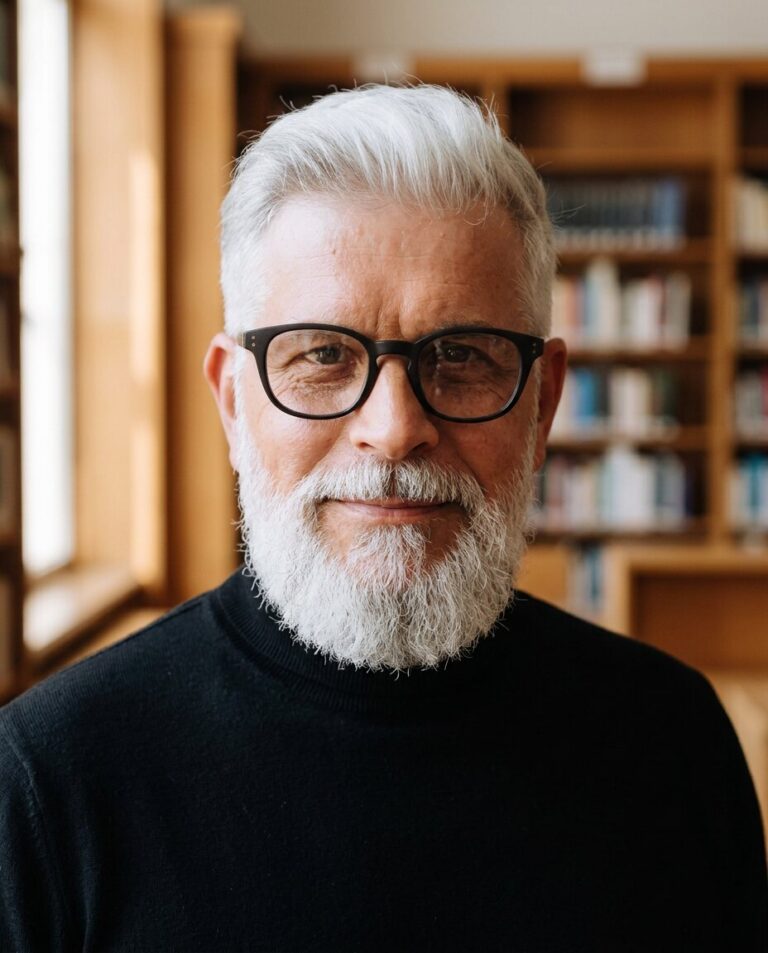
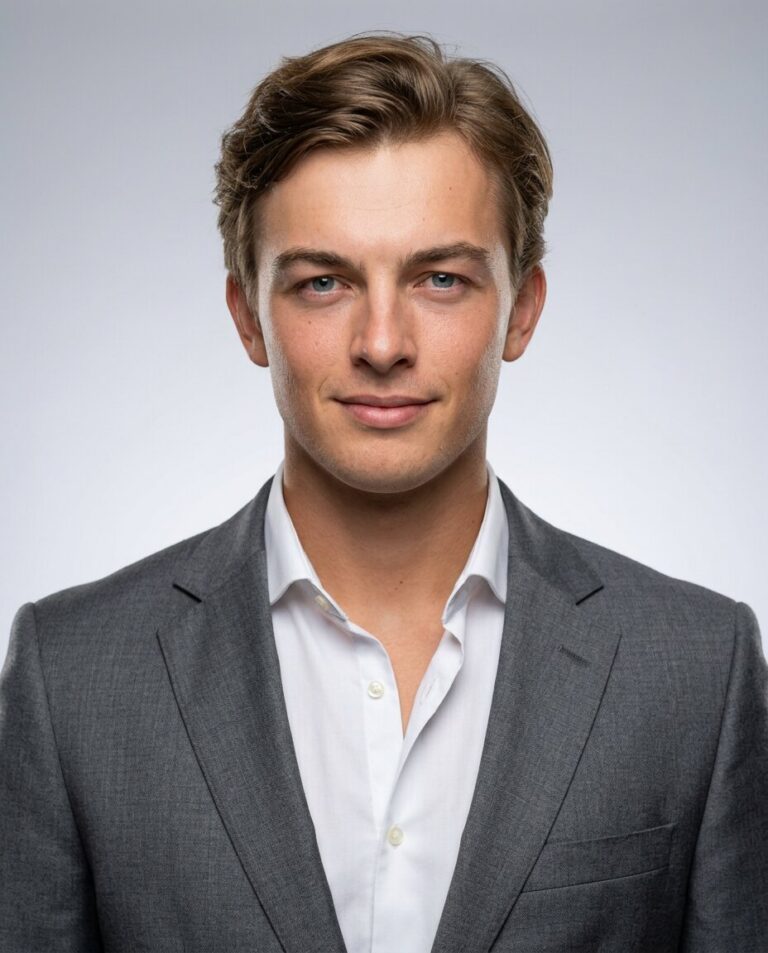
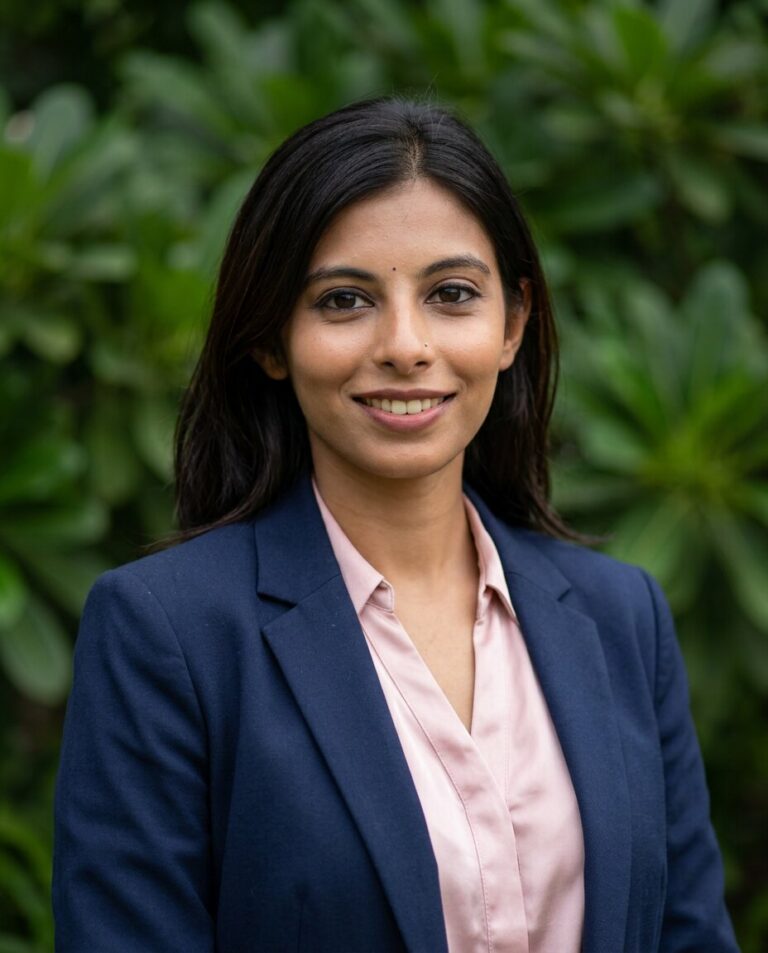
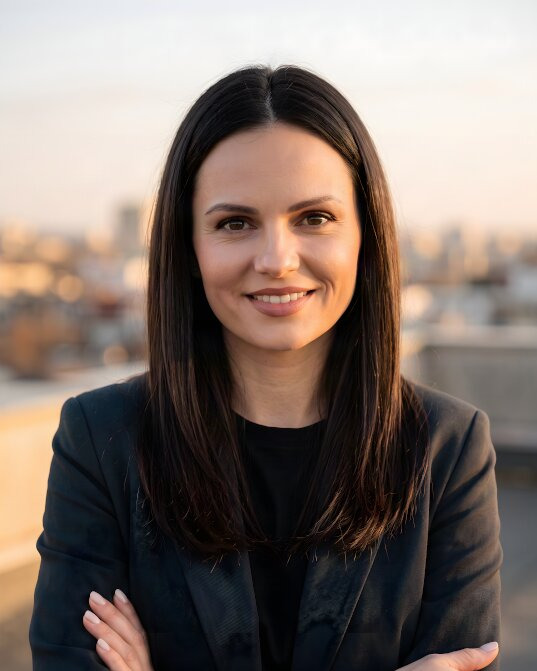
CV photos made from selfies
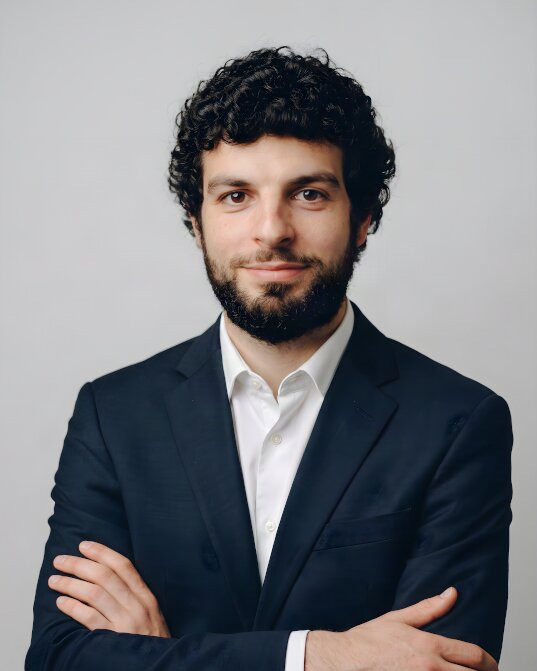
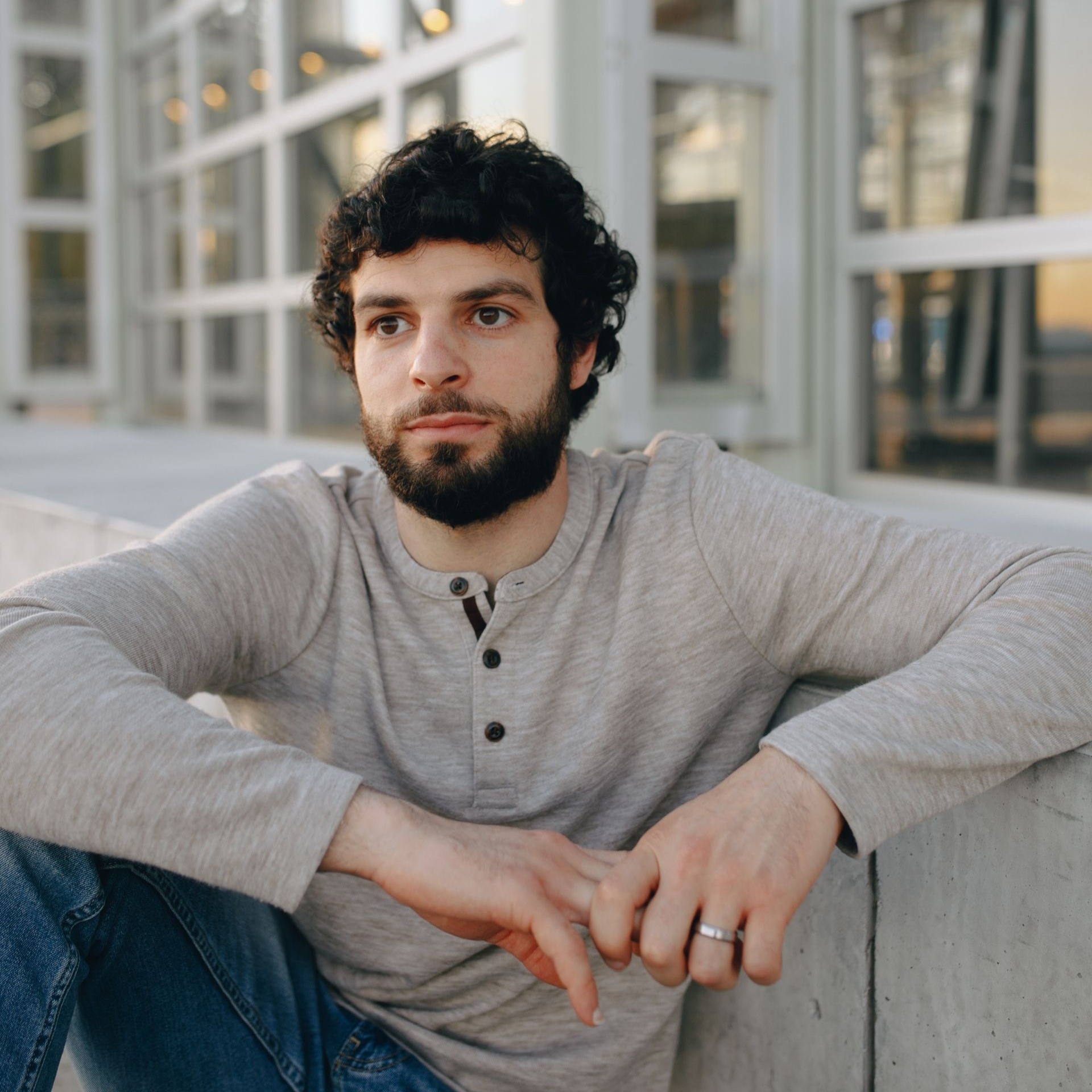
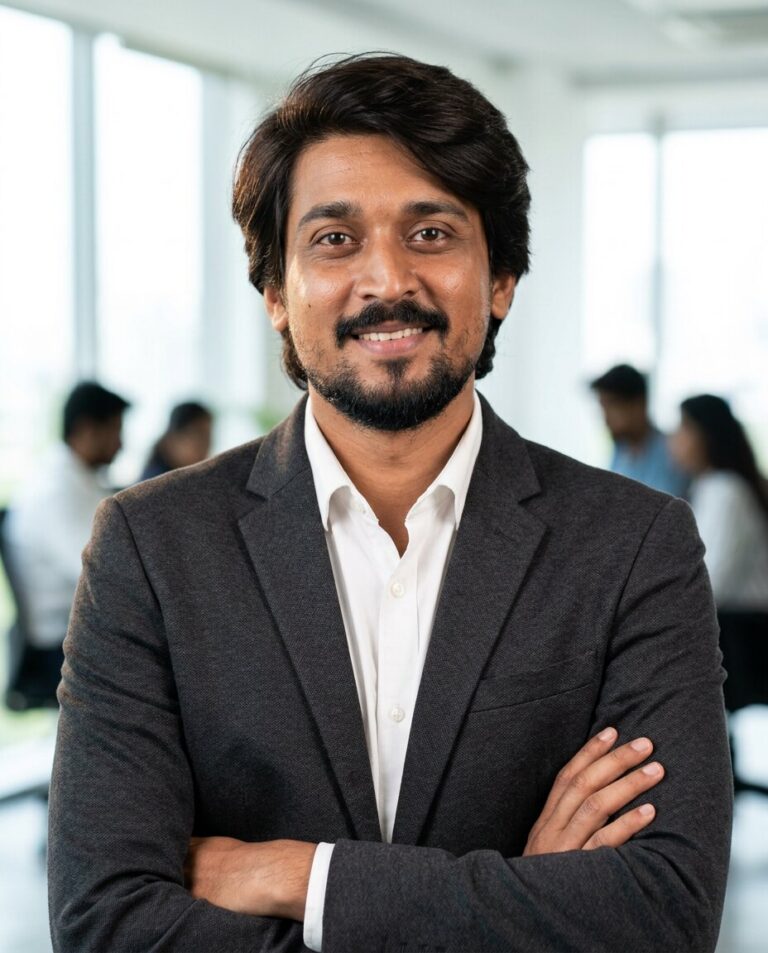
The selfie is in the corner. Every photo can be cropped to the format your CV uses.




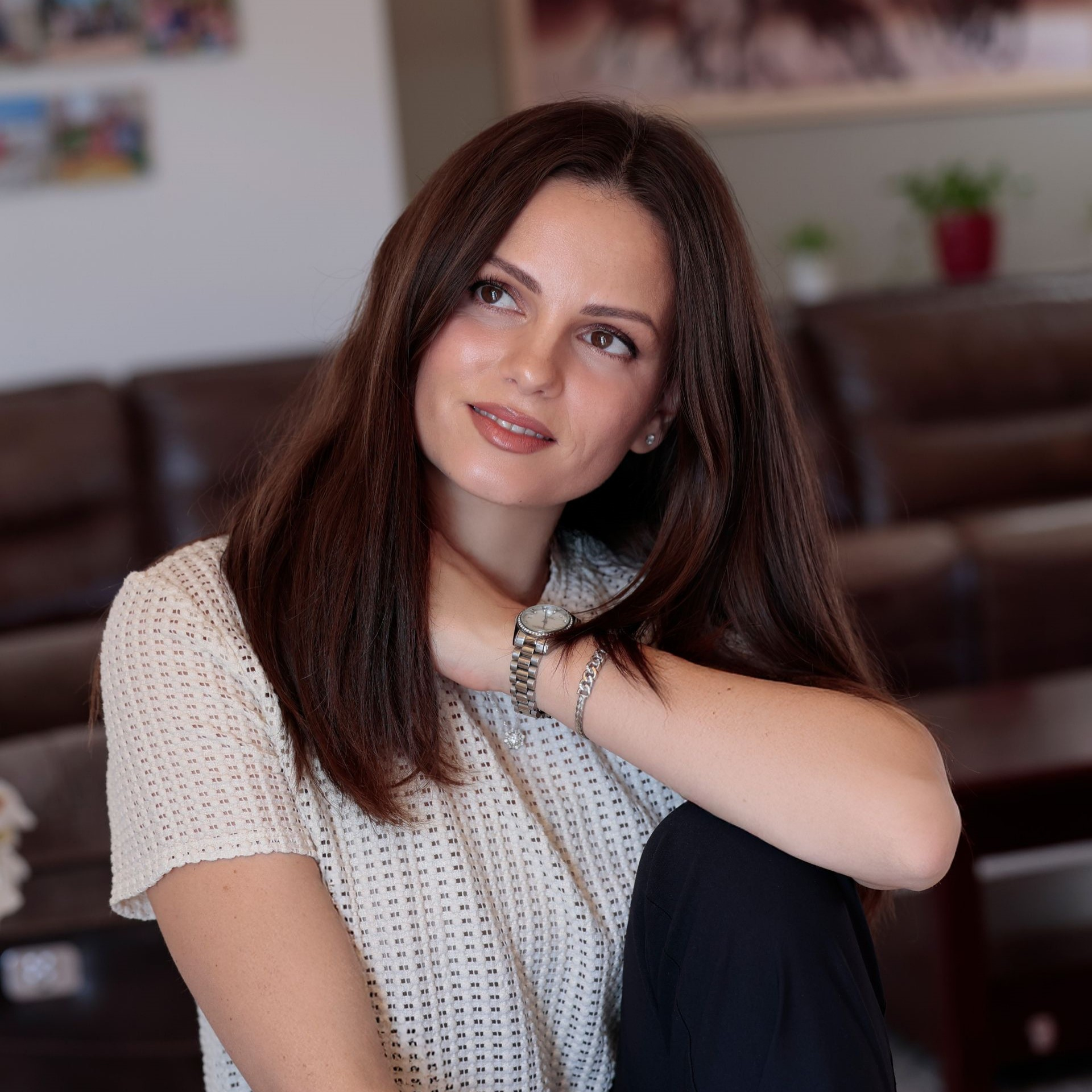
What makes a good CV photo
A recruiter looks at your CV for a few seconds. The photo should show a confident, prepared version of you, and nothing that distracts from it.
-
Head and shoulders, facing the camera
A portrait crop from the top of the head to the upper chest, eyes in the upper third, looking into the lens or slightly to the side.
-
A light, plain background
White, light grey or soft blue keep the attention on your face and print cleanly on a white page.
-
Dressed one step above the job
A suit or blazer for banks, law and management, a shirt or blouse for offices, smart casual for creative and tech roles.
-
Even light, natural expression
No harsh shadows and a relaxed, friendly look. A slight smile reads as approachable without looking like a holiday photo.
-
Recent and recognisably you
The person at the interview should match the photo. Every picture is built from your own, current selfies.

- International format
- 35 × 45 mm, portrait
- German CV (Lebenslauf)
- about 4–5 × 5–7 cm
- Online forms
- square or 4:5, JPG
Common formats, not legal standards. [When a job ad names a size, follow it.]
Should your CV have a photo?
It depends on where you apply. In much of continental Europe a photo is common; in English-speaking countries it is usually left out.
| Where you apply | Photo on the CV | What to know |
|---|---|---|
| Germany, Austria, Switzerland | Common | Most applicants add one, usually top right. In Germany it is not required by law, and employers should not demand it. |
| France, Spain, Italy, Poland | Common | Many recruiters expect a photo even when the job ad does not ask for one. |
| China, Japan, South Korea | Usually expected | Often in a fixed, passport-style format. |
| Middle East | Often expected | Common in the private sector. Follow the job ad. |
| United Kingdom | Usually left out | Most corporate roles skip it; some client-facing roles include one. |
| United States, Canada, Australia | Leave it out | Employers keep appearance out of hiring decisions. Put your photo on LinkedIn instead. |
[Check each row against current local guidance before publishing.]
Where your CV photo goes
The same photo works across a whole application, on paper and on screen.
Your name

Application

Your name
Apply for this job
 Photo
Photo
Printing your CV? Check the DPI of your photo
Print shops and some application portals ask for 300 DPI. Our free DPI converter changes the value in your photo without touching a pixel.
Drop a photo here
JPG, PNG or WebP. You can also paste a photo from the clipboard. It stays on your device.
| In your file | After | |
|---|---|---|
| DPI | ||
| Pixels | ||
| Print size |
More options
- Free, no sign-up
- Your photo never leaves your device
- No loss of quality
PicSuit, a photo studio, or a selfie?
Three ways to get a CV photo, side by side.
| Compare | PicSuit | Photo studio | Selfie at home |
|---|---|---|---|
| Cost | From $29, paid once | [Typical price of an application photo in your market] | Free |
| Time | About 20 minutes, from home | An appointment, the session and the editing | A few minutes, many retakes |
| Background | White, grey, office or outdoor, evenly lit | A studio backdrop | Your wall or your room |
| Outfit | Suit, blazer or smart casual, chosen in the app | What you bring to the session | What is in your wardrobe |
| Looks | Several looks for different jobs | Depends on the session package | One look per attempt |
| Not happy? | 14-day money-back guarantee | Pay for another session | Try again |
Choose the look that fits your industry
Mix outfits and backdrops, from boardroom formal to relaxed smart casual.
Outfits
-
Navy suit
-
Charcoal blazer
-
White shirt
-
 Smart casual knit
-
 Black turtleneck
Backdrops
-
 Studio grey
-
 Office
-
 City
City
-
 Bookshelf
-
 Outdoor
Pay once. Keep your headshots forever.
No subscription and nothing to cancel.
Starter
For a quick profile photo update.
$29 one-time
- Included: 25 headshots
- Included: 3 styles (outfit + backdrop)
- Not included: No redo session
- Included: Standard quality
Professional
RecommendedFor LinkedIn, your CV, and your website.
$49 one-time
- Included: 50 headshots
- Included: 7 styles (outfit + backdrop)
- Not included: No redo session
- Included: High quality
Complete
For the widest choice of looks.
$79 one-time
- Included: 80 headshots
- Included: 12 styles (outfit + backdrop)
- Included: 1 redo session on request
- Included: 4K quality
14-day money-back guarantee
If you don't get a headshot you'd happily use, we refund your payment.
Your selfies stay yours
You're trusting us with your face. Here's exactly what we do with it.
-
Deleted after 30 days
Your uploads are removed automatically, or right away when you ask.
-
Used only for your headshots
Your photos never train anyone else's results.
-
Never sold or shared
No advertisers, no data brokers, no public galleries without your consent.
-
The headshots are yours
Use them anywhere, for personal and commercial purposes.
Questions about CV photos
Can't find your answer? Contact
Should I put a photo on my CV?
It depends on the country. In Germany, Austria, Switzerland and much of continental Europe a photo is common. In the US, Canada and Australia it is left out, and in the UK usually too. When a job ad says what it wants, follow it.
Can I use an AI photo on my CV?
Yes, as long as it looks like you. PicSuit builds every photo from your own selfies, so the person in the photo is the person at the interview. Pick the results that look like you on a normal working day. An AI photo is not suitable for a passport or an ID card.
What size should a CV photo be?
There is no single standard. 35 × 45 mm is the most common format, and German CVs often use about 4–5 cm wide and 5–7 cm high.
Where does the photo go on a CV?
Usually in the top right corner, next to your name and contact details. In German applications it can also go on a separate cover page, a little larger.
What should I wear for a CV photo?
What you would wear to the interview, or one step smarter: a suit or blazer for finance, law and management, a shirt or blouse for office jobs, smart casual for creative and tech roles. Plain colours work better than patterns.
What background is best for a CV photo?
A light, plain background: white, light grey or soft blue. It prints cleanly and keeps the attention on your face. A softly blurred office also suits a modern CV.
Can I use the same photo on LinkedIn?
Yes. You get enough photos for both: a portrait crop for your CV and a square one for LinkedIn.
Apply with a photo you are happy with
One-time payment from $29. 14-day money-back guarantee.